


All work
Taming tens of thousands of WordPress sites
Two years designing a platform that manages many WordPress sites, and the design system behind it.
- Product Designer
- Product design · SaaS
- 2024 - Now
- Leadership and two developers
- Since July 2024, on demand
- Product features and design system
In short
Since July 2024 I have been the outside product designer of a platform that manages WordPress sites. More than thirty features later, all of them shipped, the product also has a design system rebuilt from what is really in production.
- 2+
- 570+
- 30+
- 2
- 61
- 30K+
The context
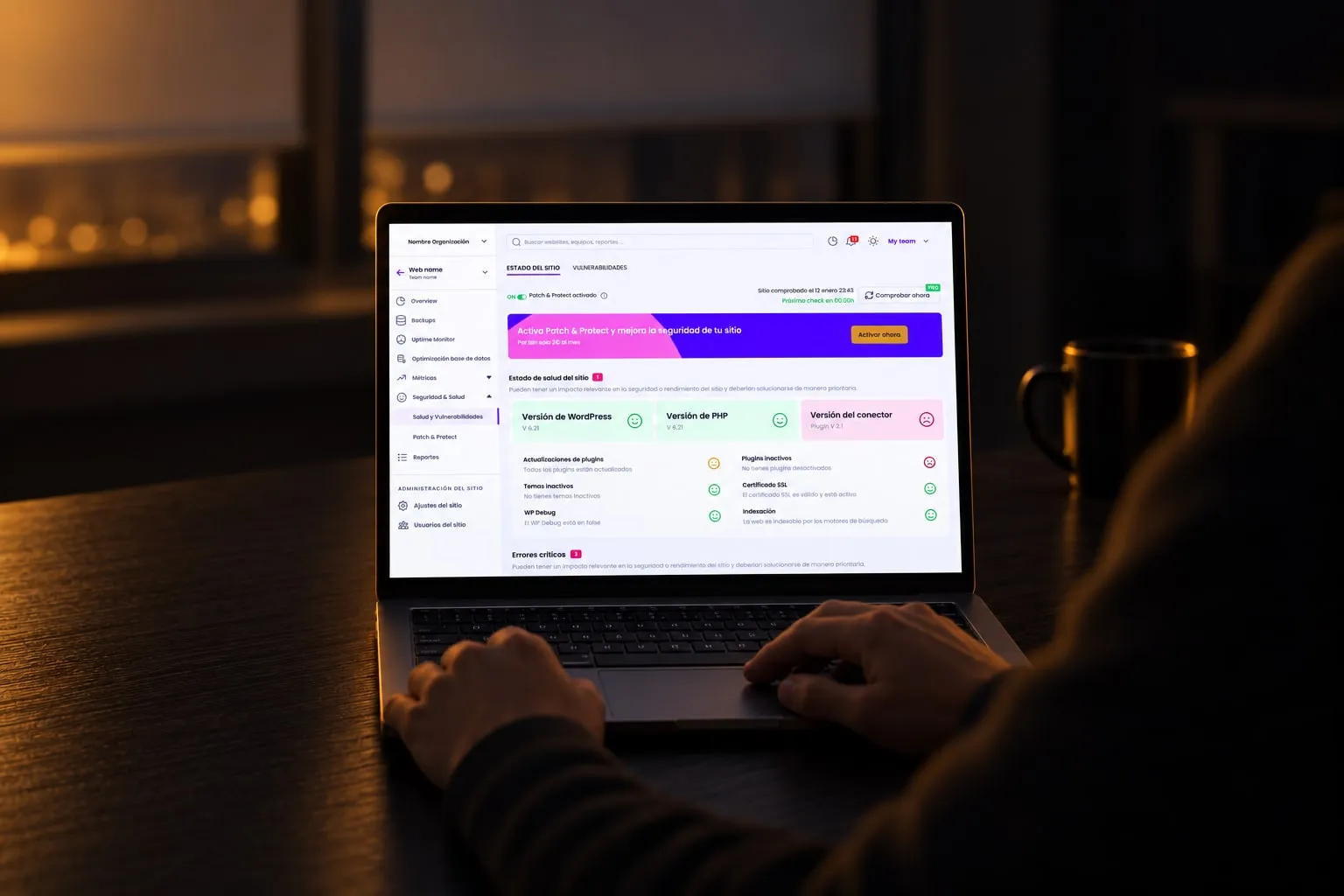
A SaaS platform that lets agencies and freelancers maintain many WordPress websites from one place: plugins, updates, backups, uptime and security monitoring, and reports for their own clients. Thousands of them use it, in more than a hundred countries, to look after tens of thousands of sites.
I joined in July 2024, when the product was growing fast and the team wanted a design view next to its technical one. I work on demand, some months thirty hours and some months five, mostly with the company’s leadership and two developers.
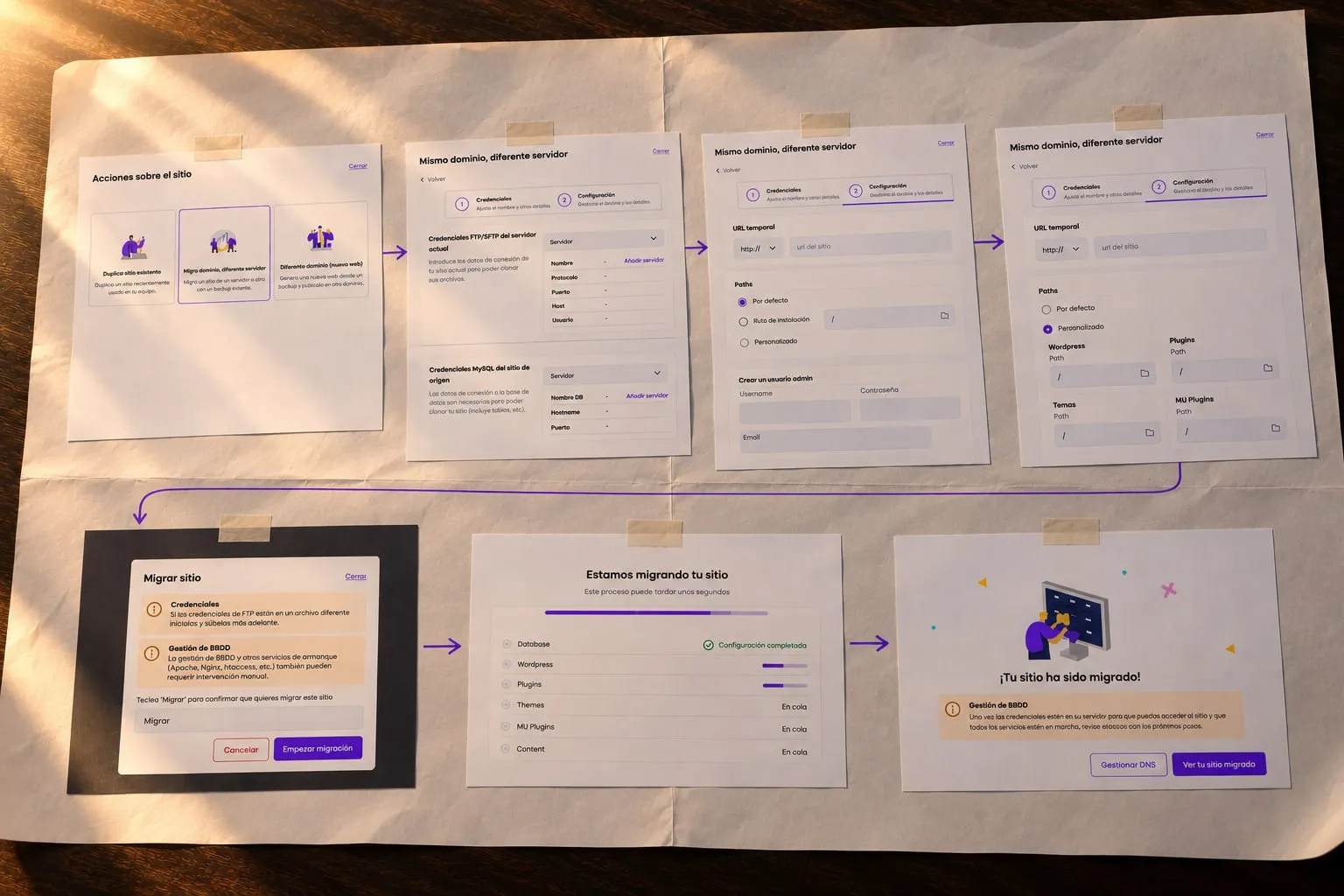
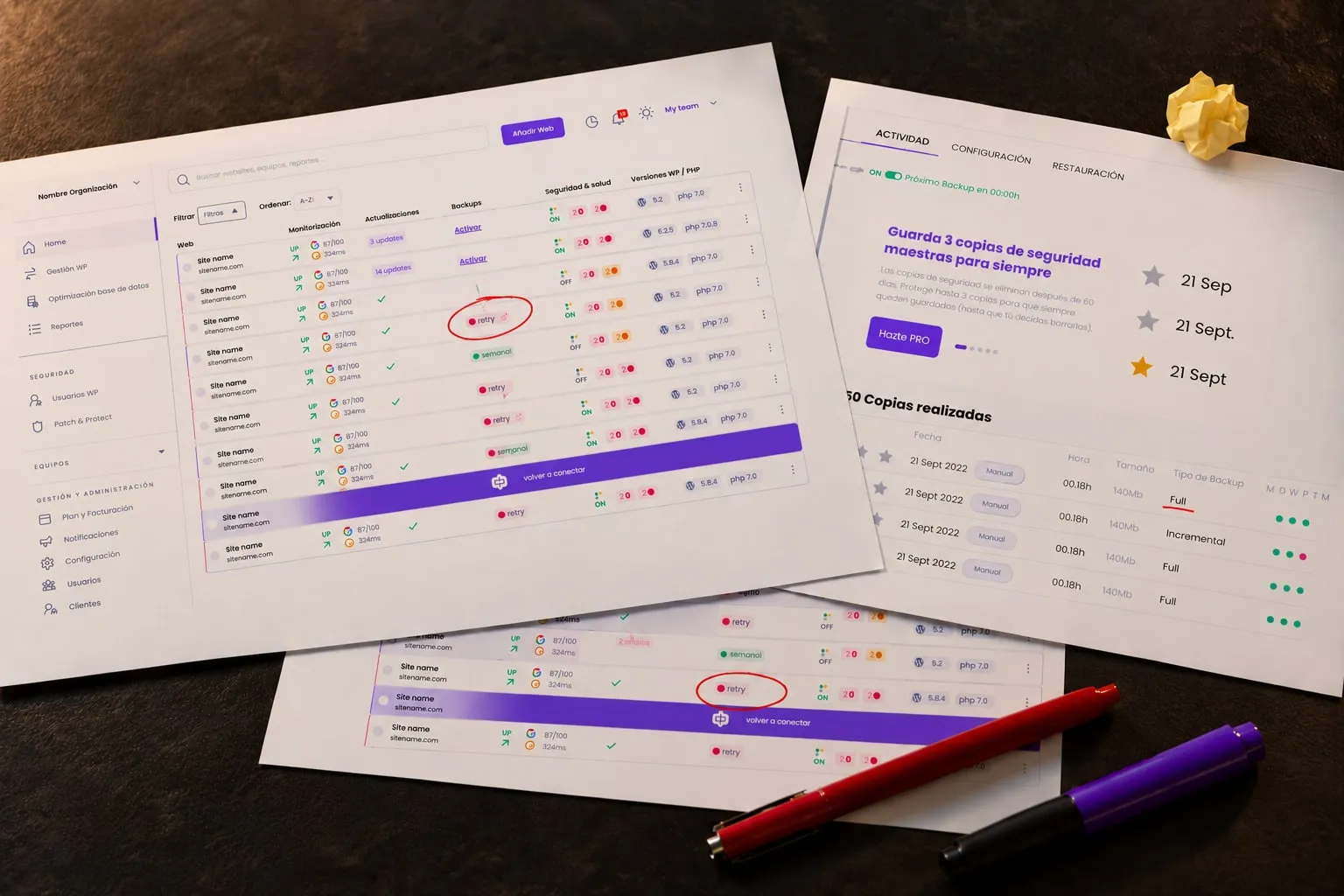
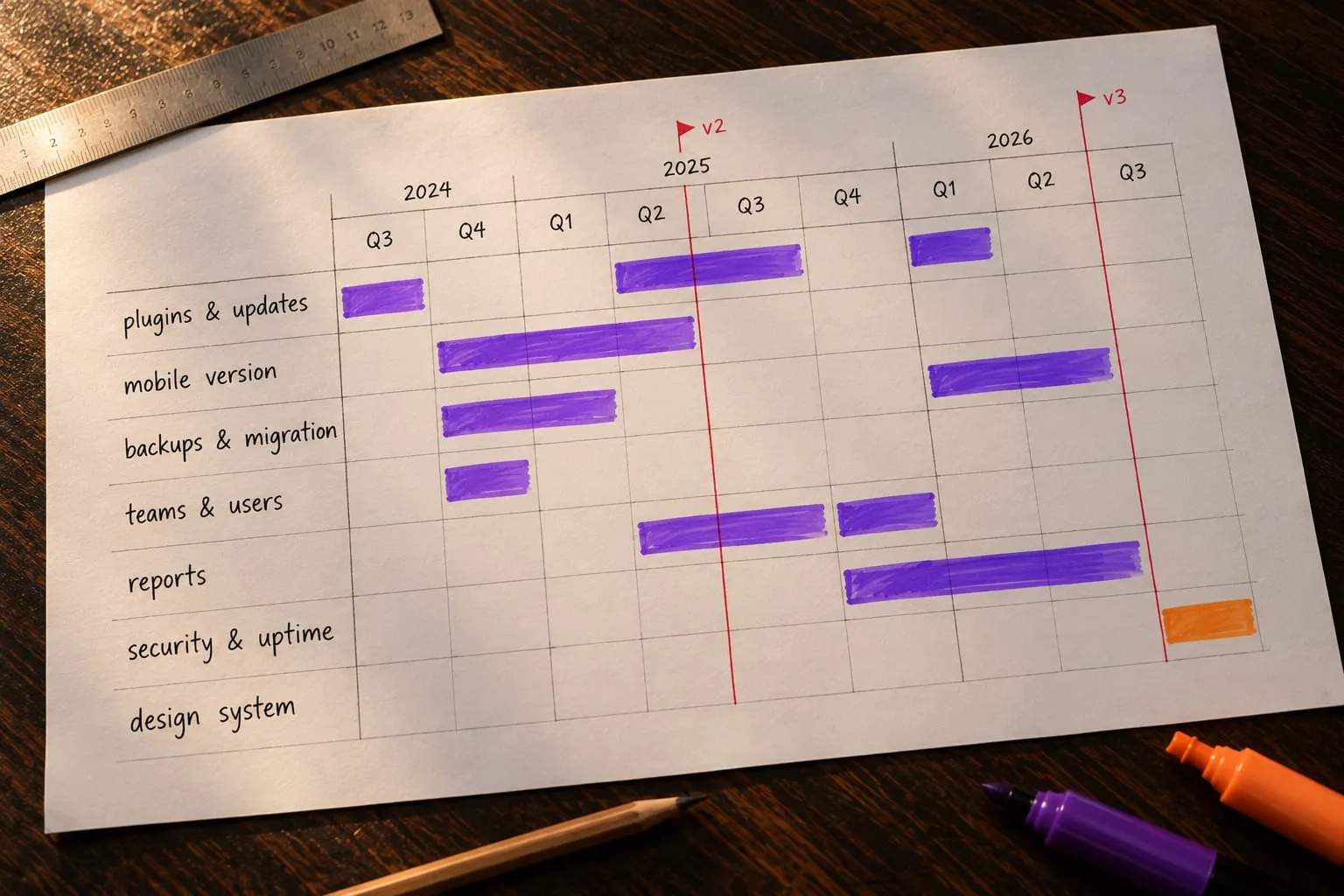
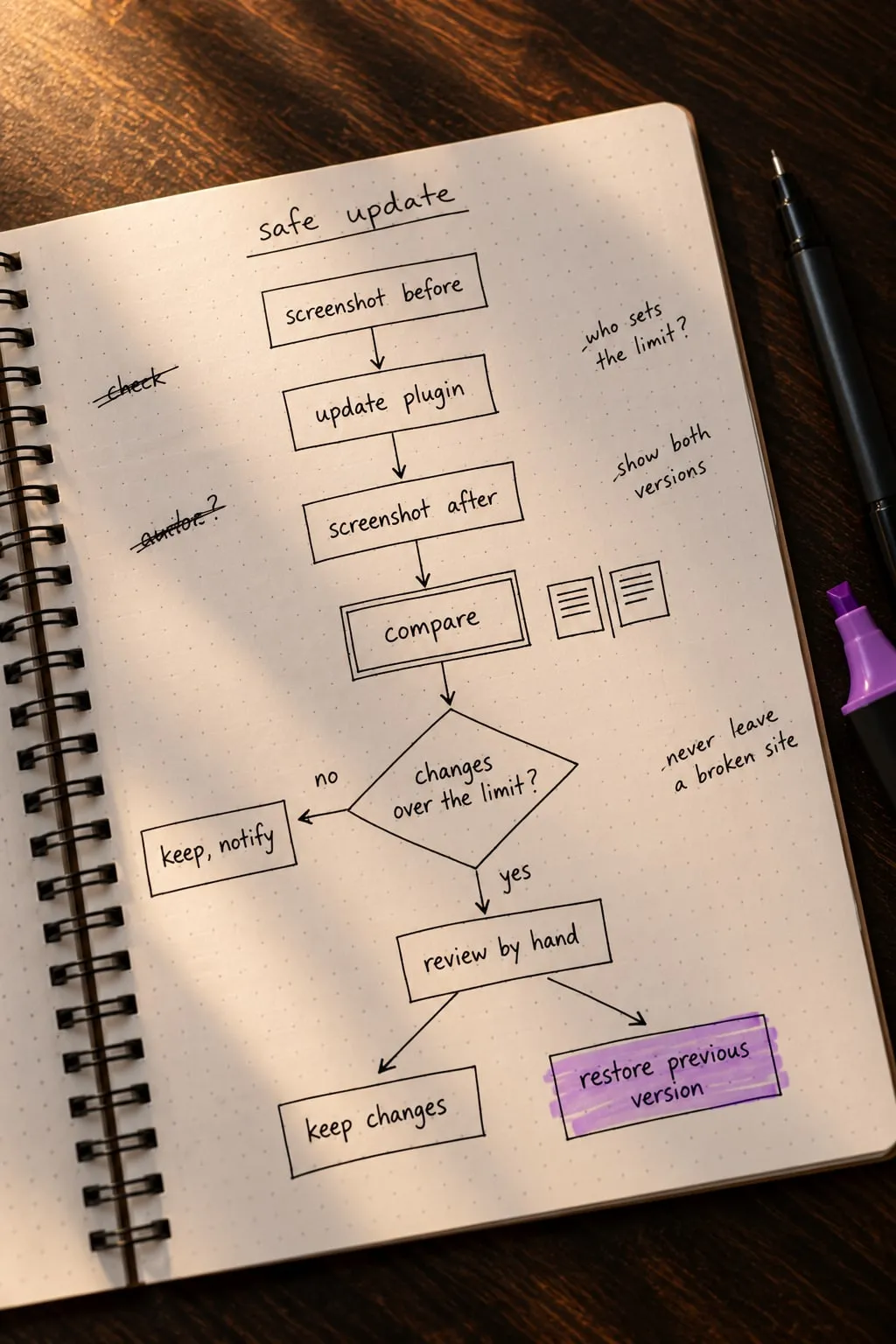
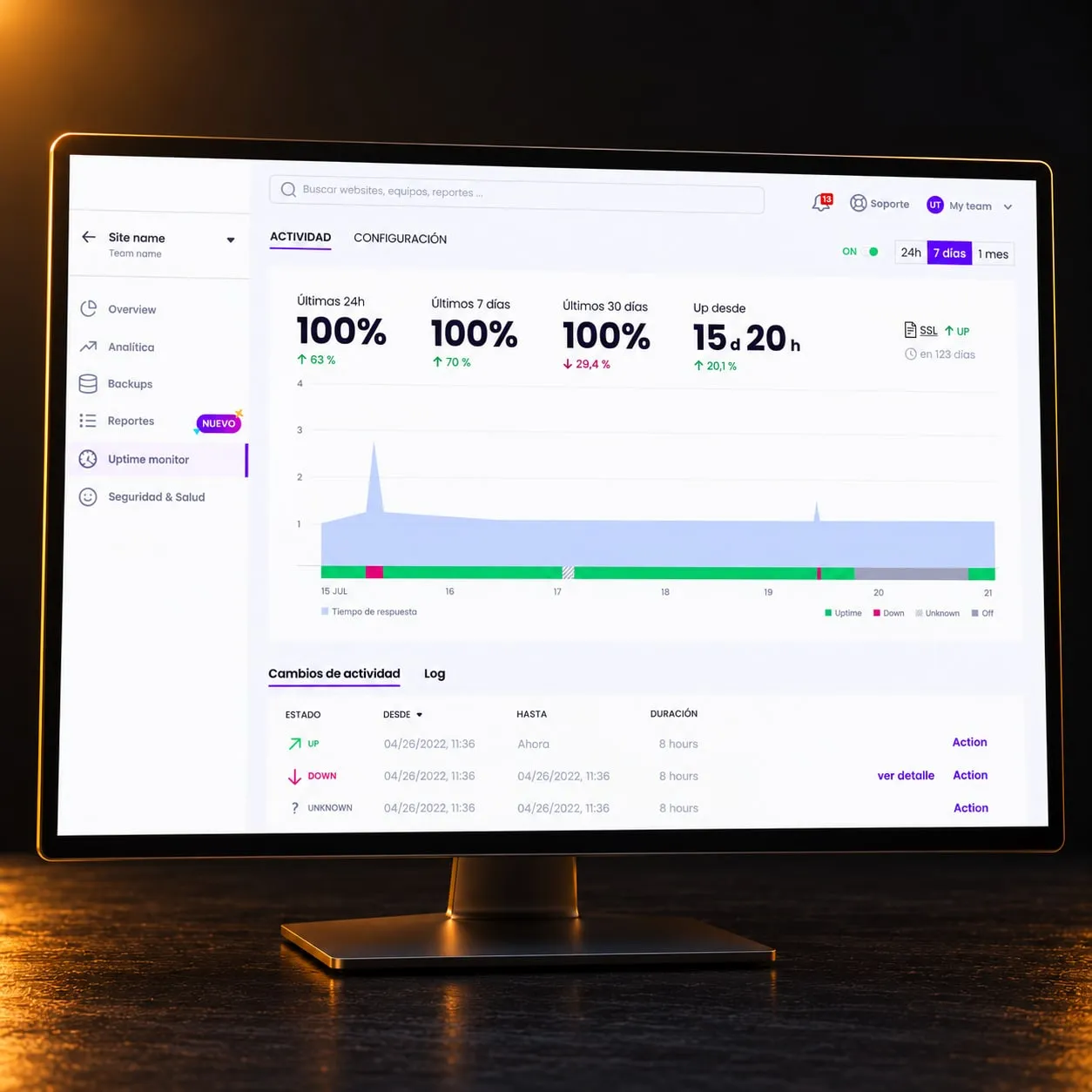
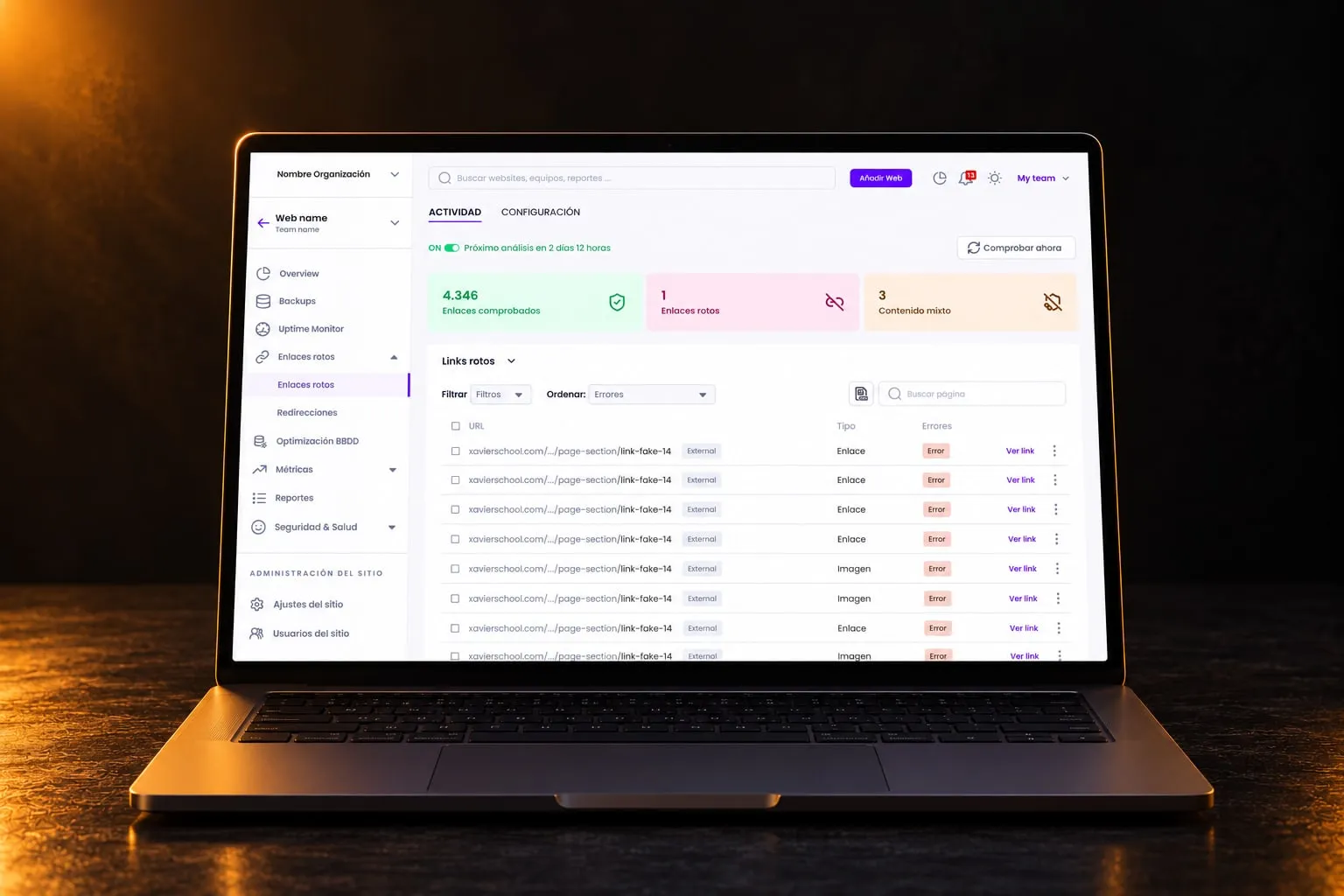
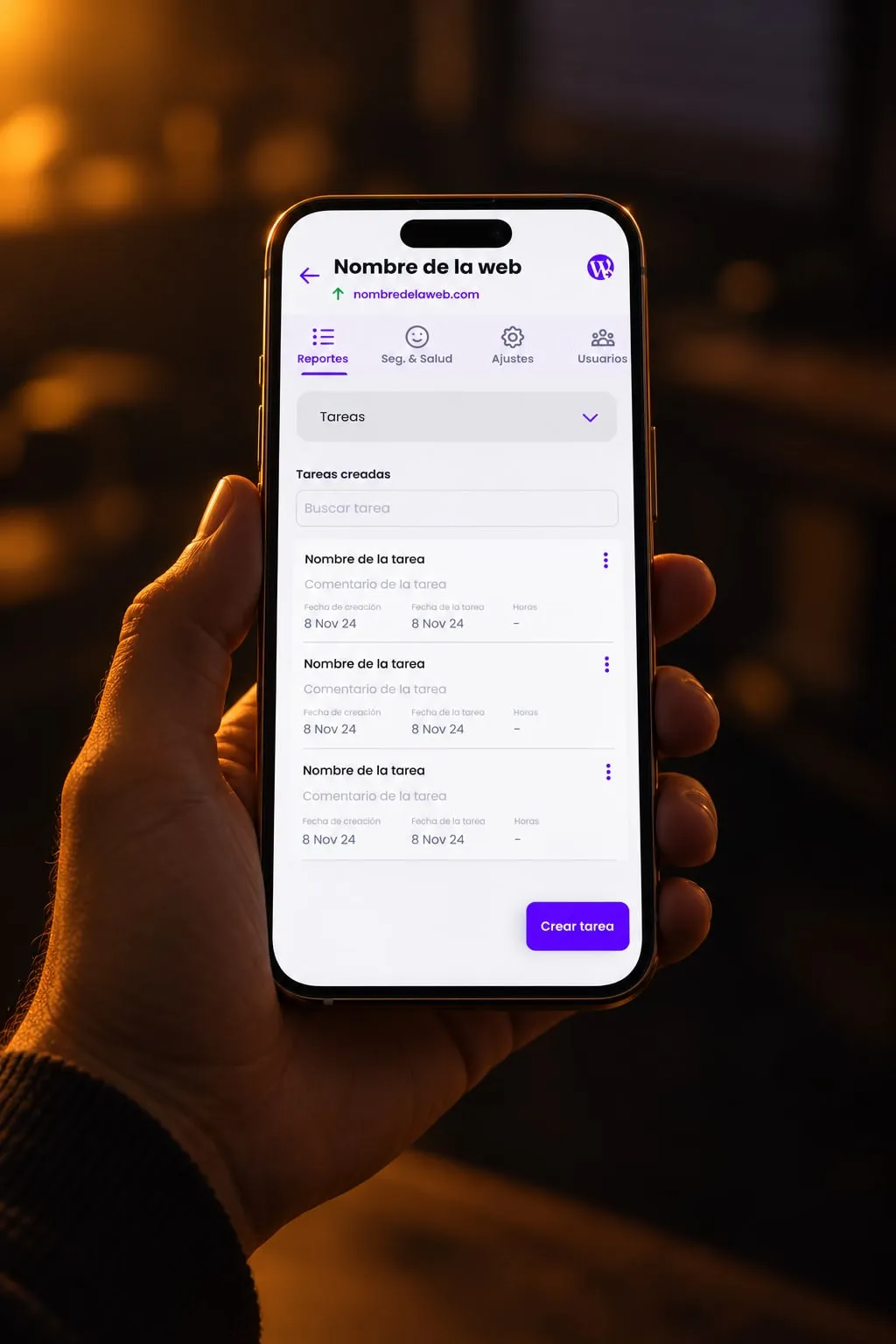
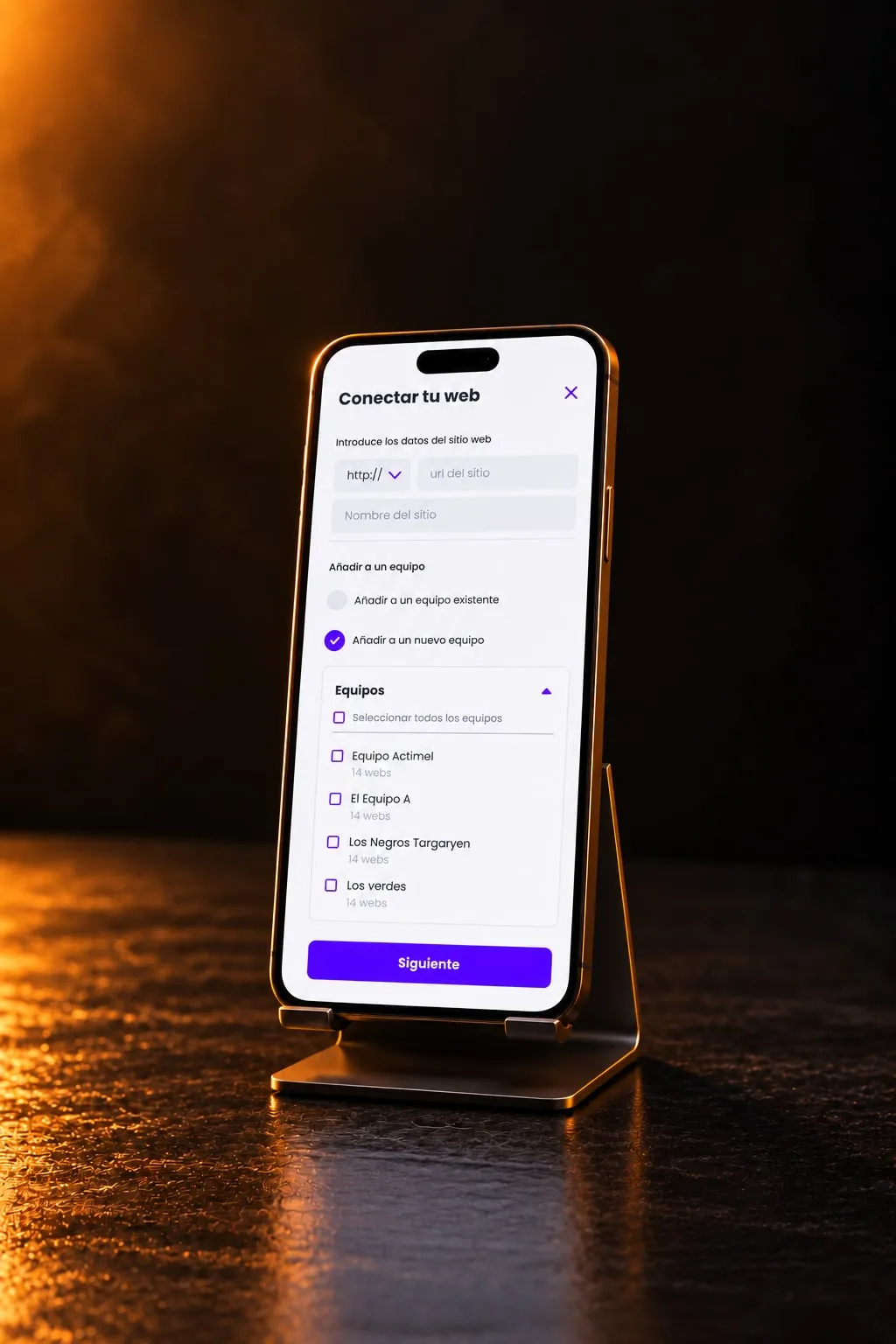
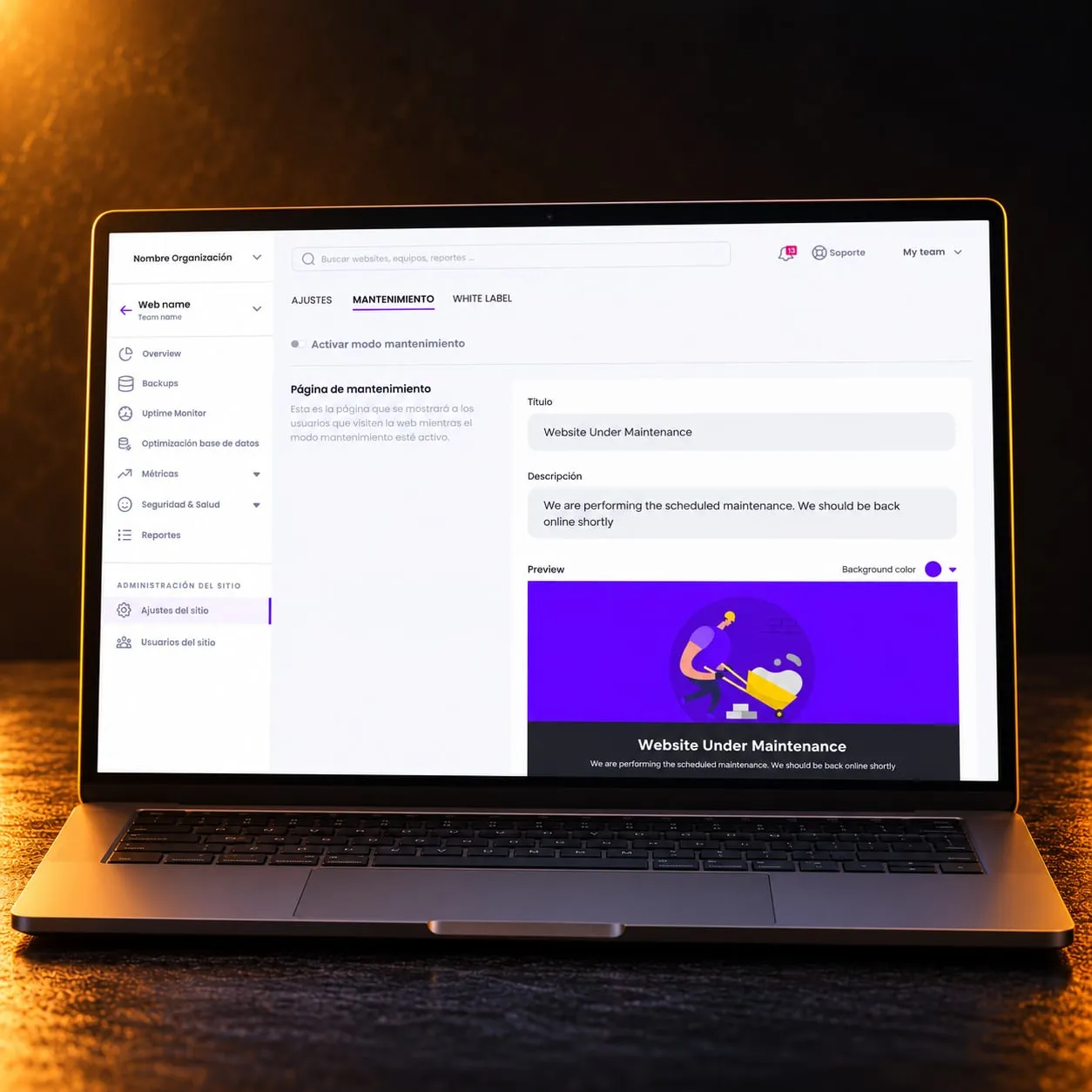
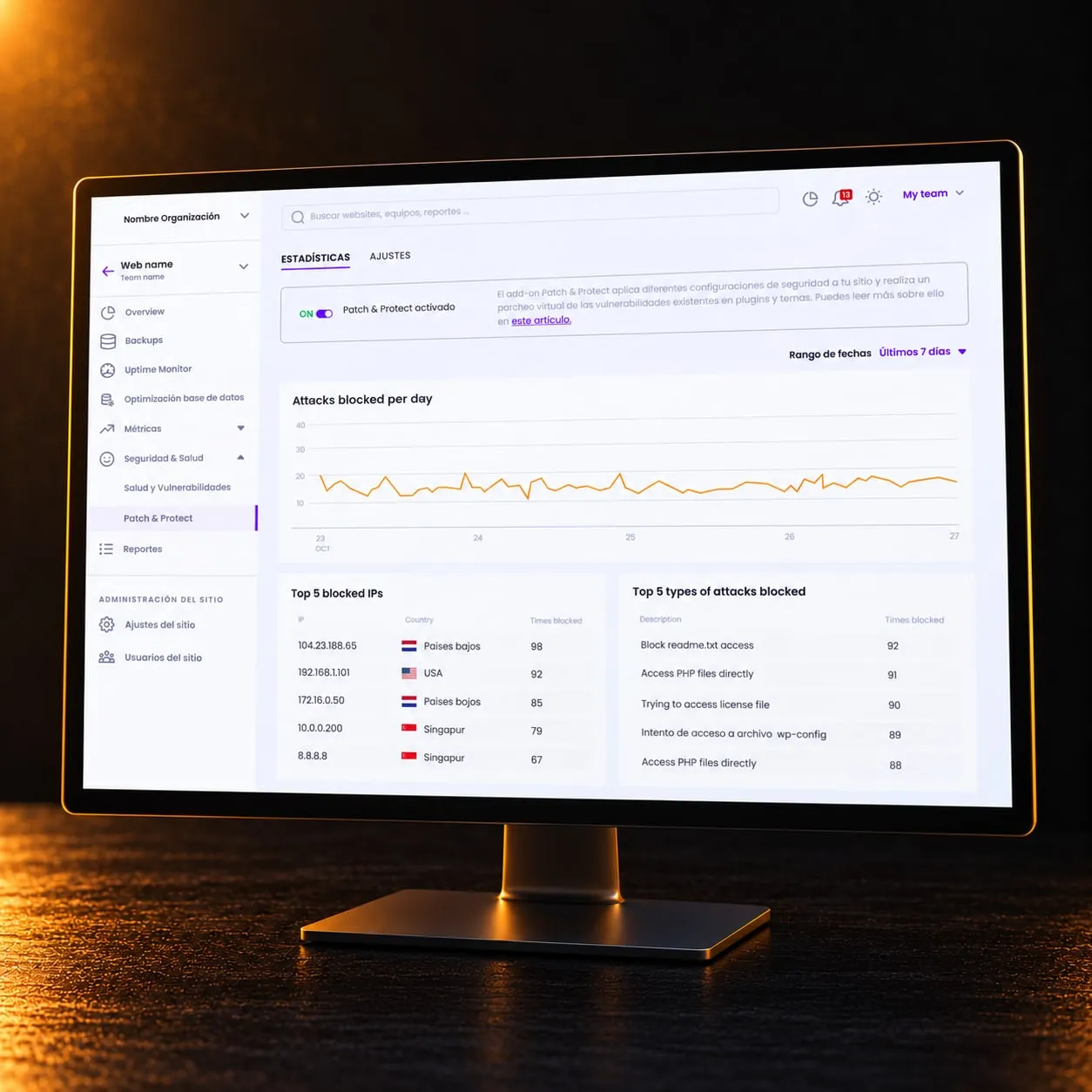
My first feature was the plugin manager, designed from scratch over that first summer. After it came the mobile version of the whole product, multi-user teams, backups, database clean-up, client reports, safer and scheduled updates, uptime monitoring, staging and migrations, a link checker, malware analysis and the screens to connect the product to AI assistants: new features and new rounds on existing ones.
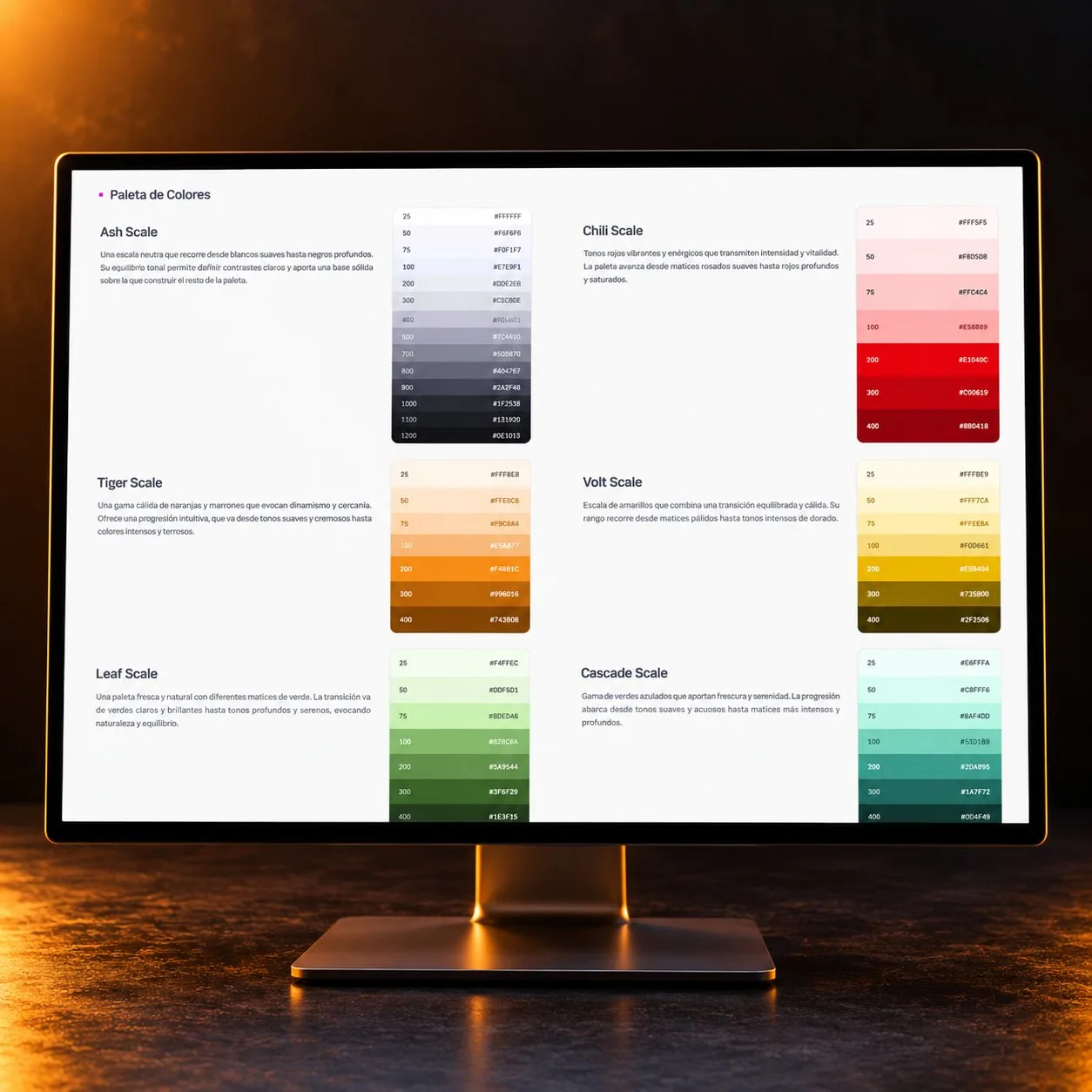
The design system came last. A first clean-up of colours and type in Figma dates from September 2024; the system itself took the summer of 2026.
The challenge
Putting maintenance tools in one place was the easy half. The hard half was turning what the backend could do into flows that someone can follow: how to pick sites or plugins, how to act on many at once and what the product says at each step. Much of it is obvious to a developer and opaque to someone who only wants their clients’ sites kept up to date.
The other problem was consistency. I inherited a file linked to three design libraries, production and Figma were not always updated together, and I carried those differences from one feature to the next without knowing it. As an outside designer with other projects on, I also had to pick up reviews long after I had made the proposal.
My approach
The work, in order:
- Brief
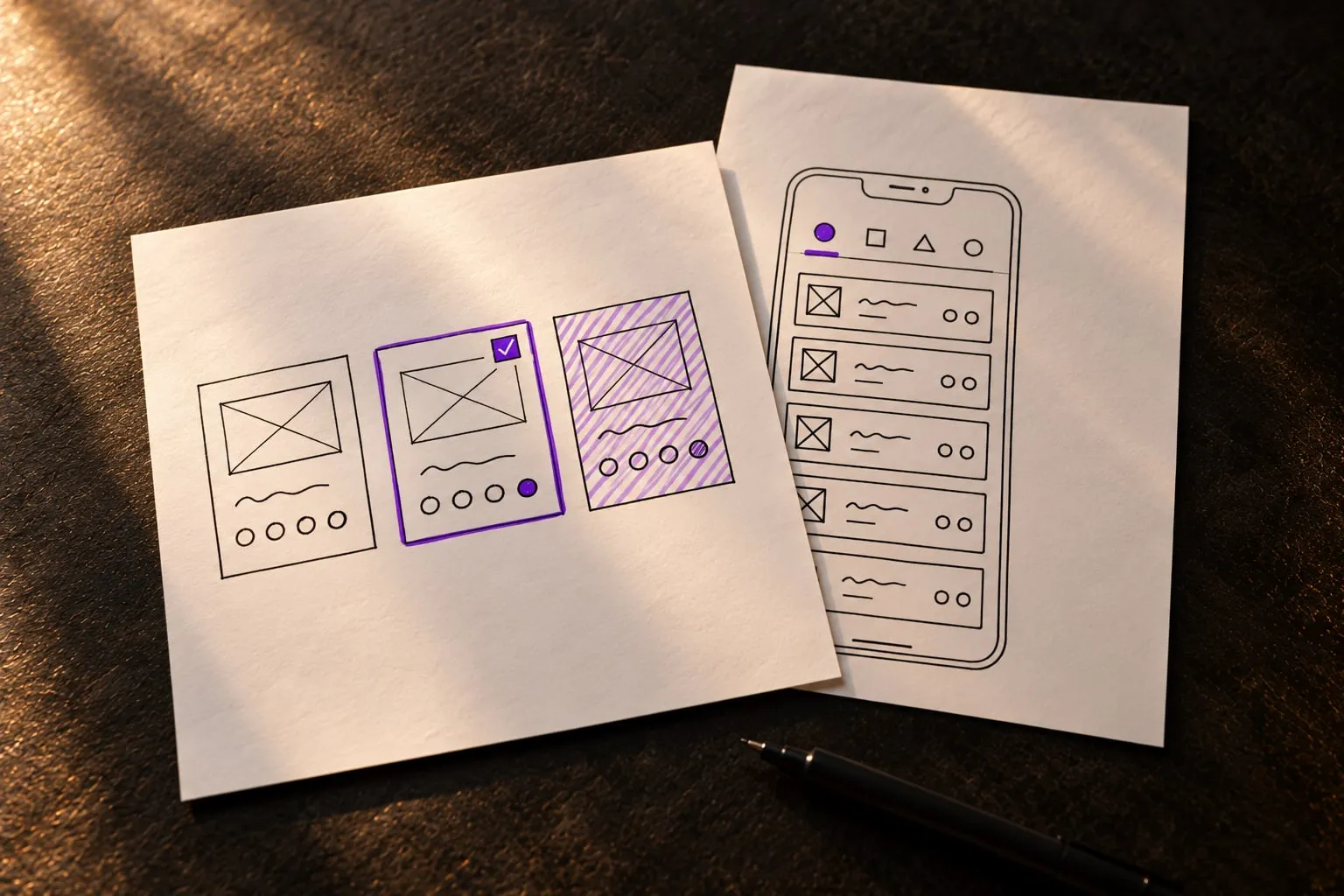
- Sketches
- Proposal
- Annotations
- Review
And the decisions that shaped it:
Reuse what exists before inventing something new
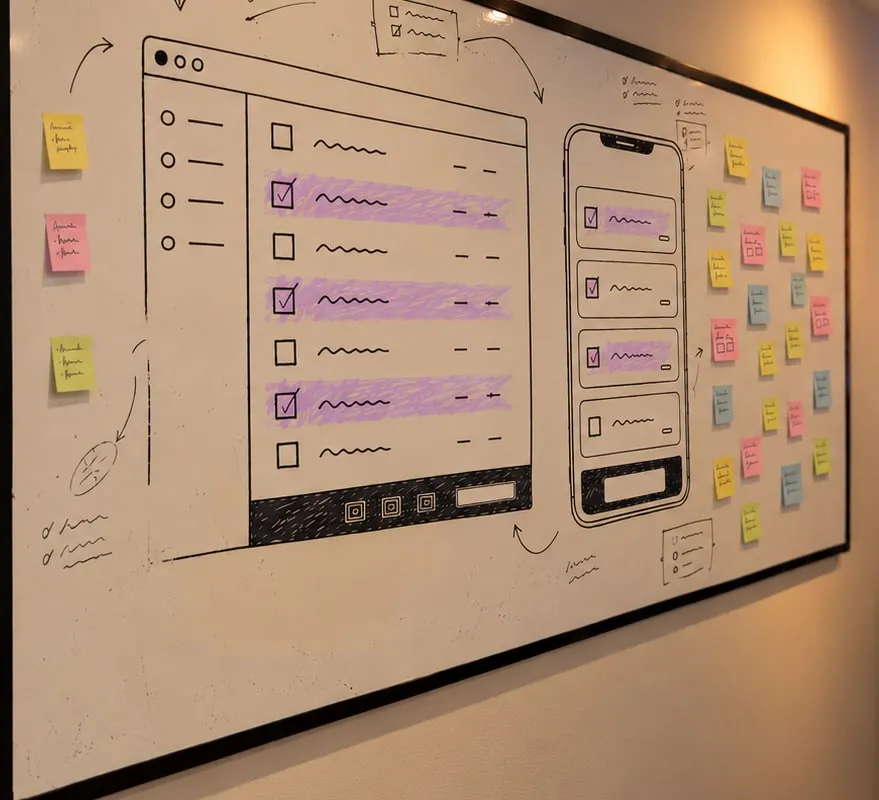
At a startup’s pace, an existing pattern is faster to build and the user already knows how it behaves. A filter by update type was solved with pills that another screen already had. In the steps of a backup restore, a new component I had proposed was swapped in review for a state that already existed, and the flow lost nothing. A new pattern has to earn its place. The bulk action bar of the plugin manager did: without it, updating or uninstalling meant repeating the same action item by item.
Expert settings get a section of their own
Migrations, staging and cloning opened a debate about how much technical language to show. Some users need those options; most only want to move a site. We settled on a separate “expert settings” section, with a warning not to touch it unless you know what you are doing, so the main flow stays in plain words.
The design system starts from production, not from Figma
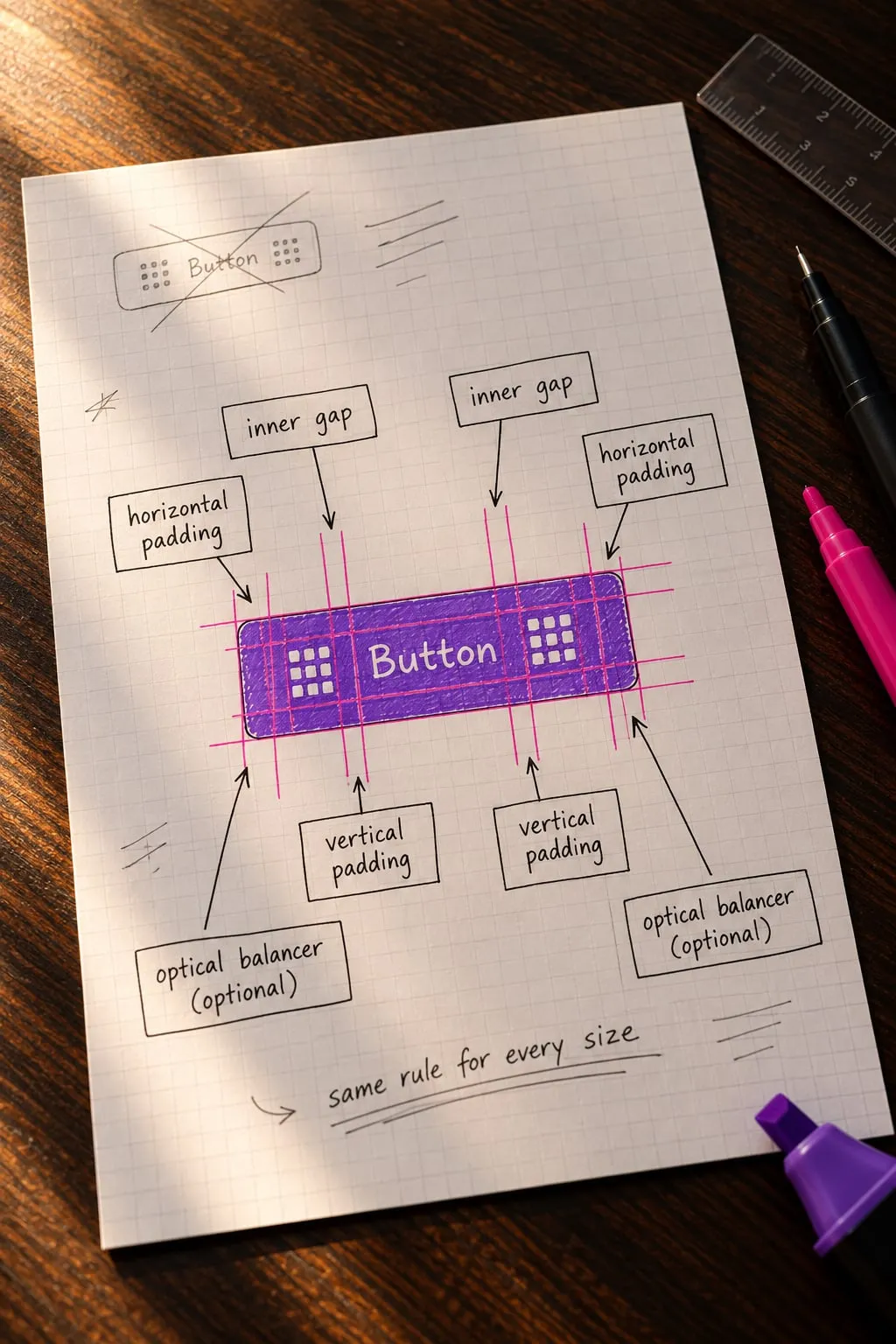
The obvious route was to tidy my own Figma files and call them the source. But what users see is production, and that is what the team treats as correct. So each component starts from real examples: collect them, audit them, decide, rebuild with tokens, delete the old one and document it.
In the system, the names in code win
Two families of components had one name in my file and another in development. Keeping mine was less work for me and one more translation for everyone else, every day. I renamed them: 215 tokens, 9 components and their documentation.
The results
- More than 30 features and product areas designed, all of them in production
- Users who name the design as what they like best
- Bulk actions in the plugin manager
- Two major versions of the product shipped with my designs
- A design system of 61 components and 1,438 variants, rebuilt from production in one summer
- A collaboration that is still running
What I learned
For a long time I adapted to whatever was already built. Each time it was the fast choice, and the sum of those choices was a product with several versions of the same thing. Today I defend the design criteria earlier and write down what we agree on about how things look and behave. Recovering context is part of the job too: notes, meeting transcripts and, lately, an AI assistant that helps me rebuild a decision made months ago.
What I cannot claim yet is time saved: nobody has measured what the system saves, and development has not fully adopted it. I have also never watched an outside user work with the product. That is the next thing I want to bring in.
Contact me
If you’ve taken a liking to me and want to get in touch, tell me about the project, the talk or your theories about Area 51. Write to me, or book a call.