

All work
An app that steers a boat from your phone
Architecture, flows and wireframes for the app of an autopilot that replaces a boat’s steering wheel.
- Senior UX Designer
- Product design · Marine
- 2023 - 2024
- Two designers, working through an agency
- From November 2023 into 2024
- Information architecture, flows and wireframes
In short
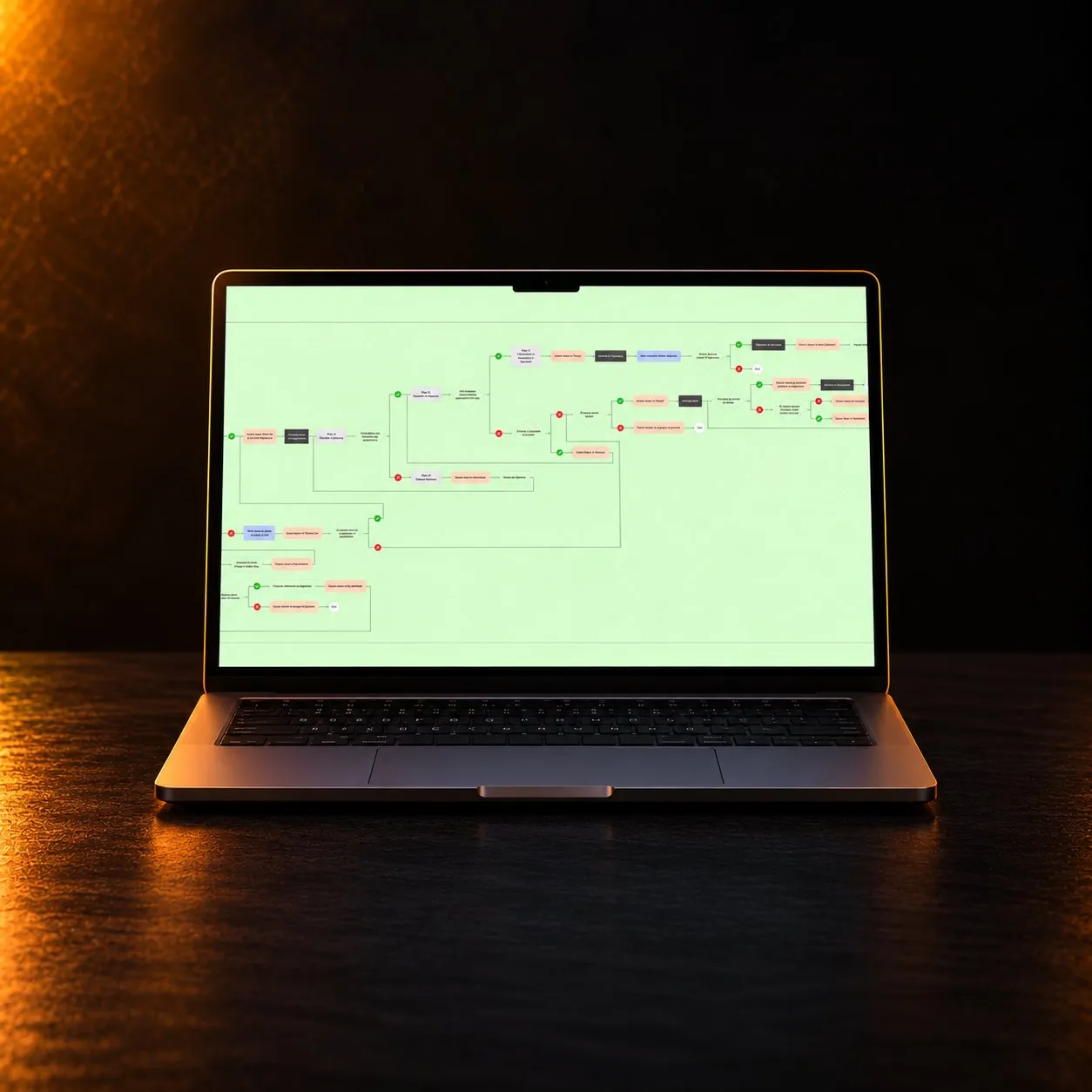
I designed the architecture and the interaction of the mobile app for an autopilot that replaces a boat’s steering wheel. More than seventy client requirements became one map, five flows and over 800 wireframe screens. The device is on sale today, and its app navigates in the three ways those wireframes defined.
- 70+
- 5
- 800+
- 9
- 3
- 2025
The context
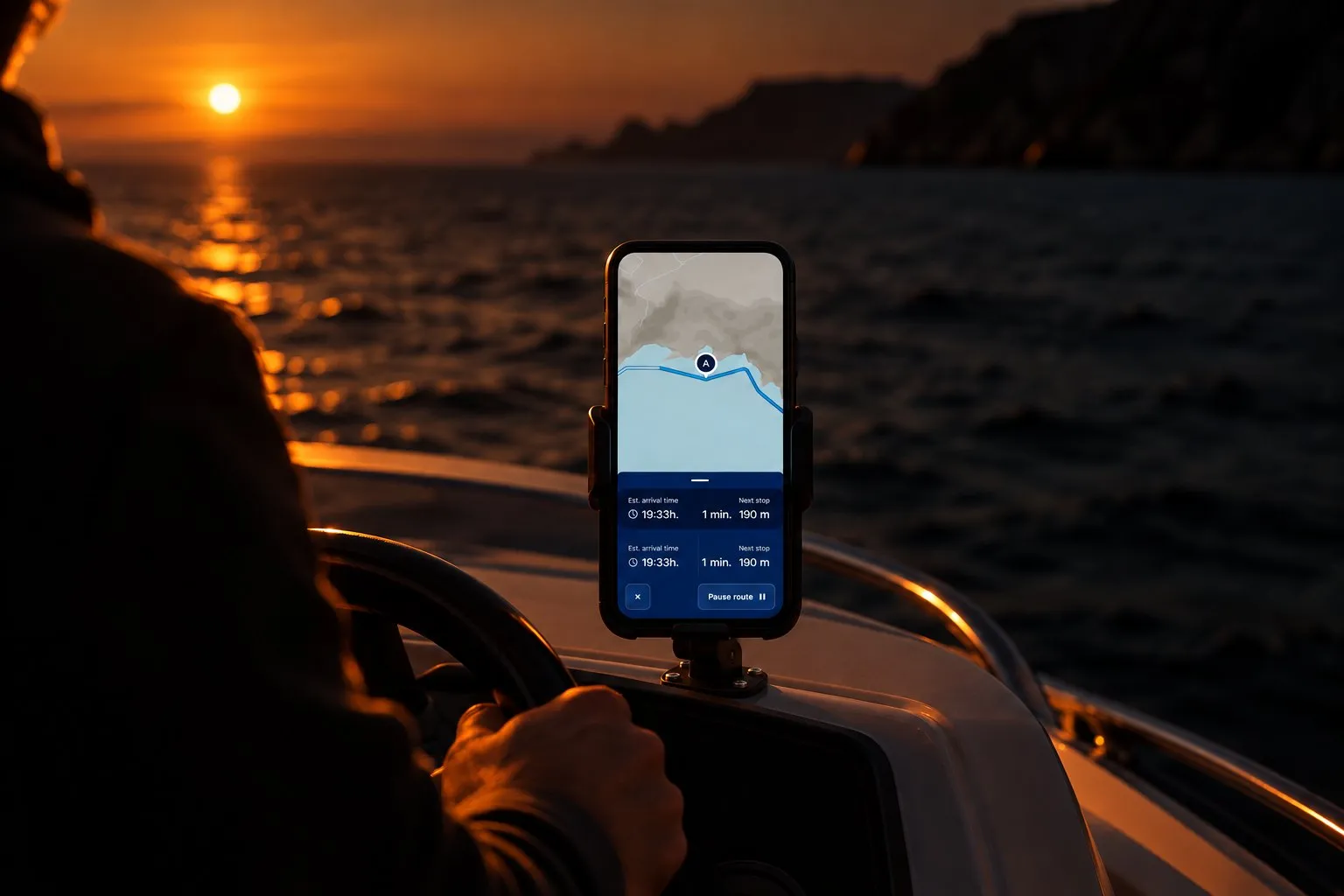
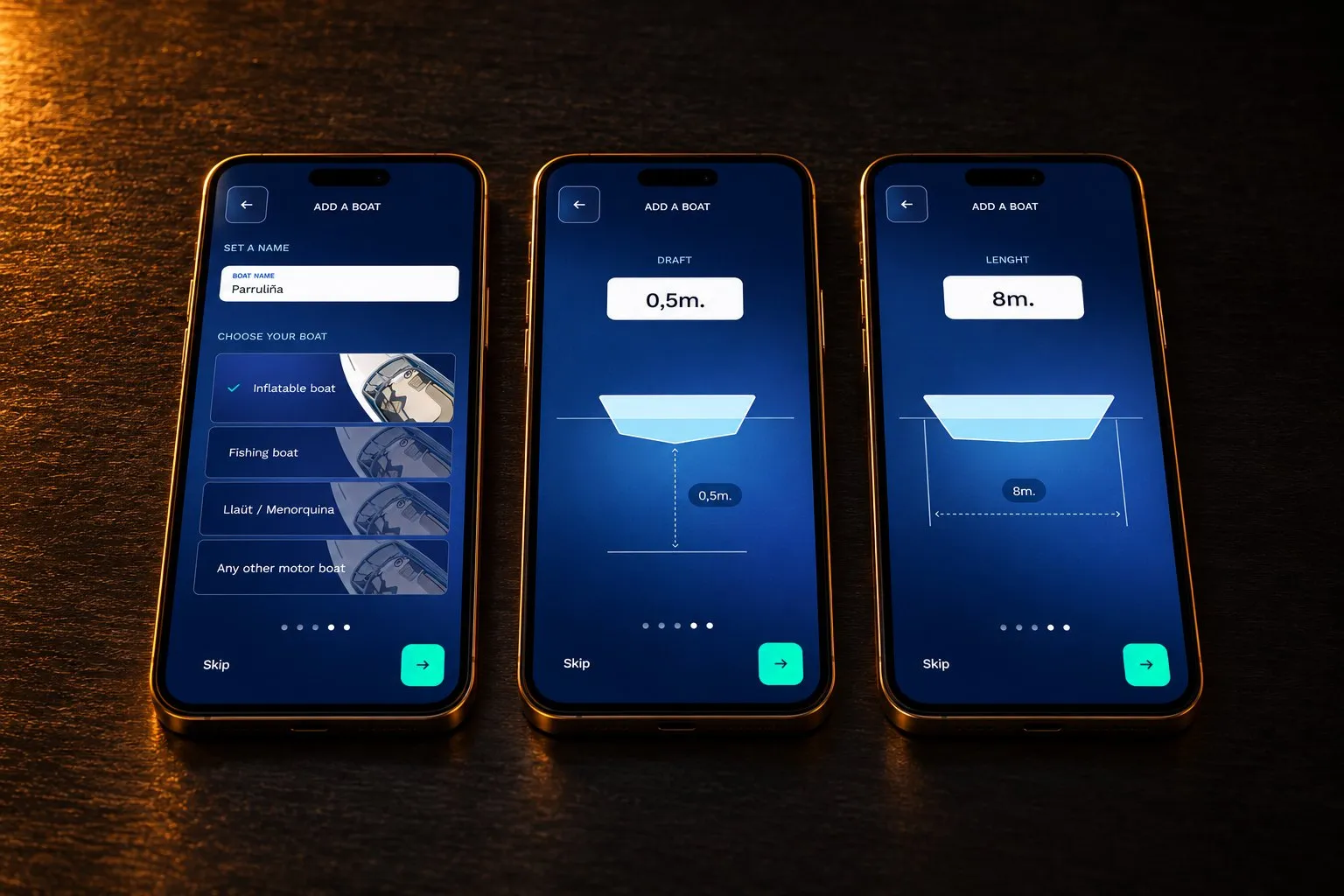
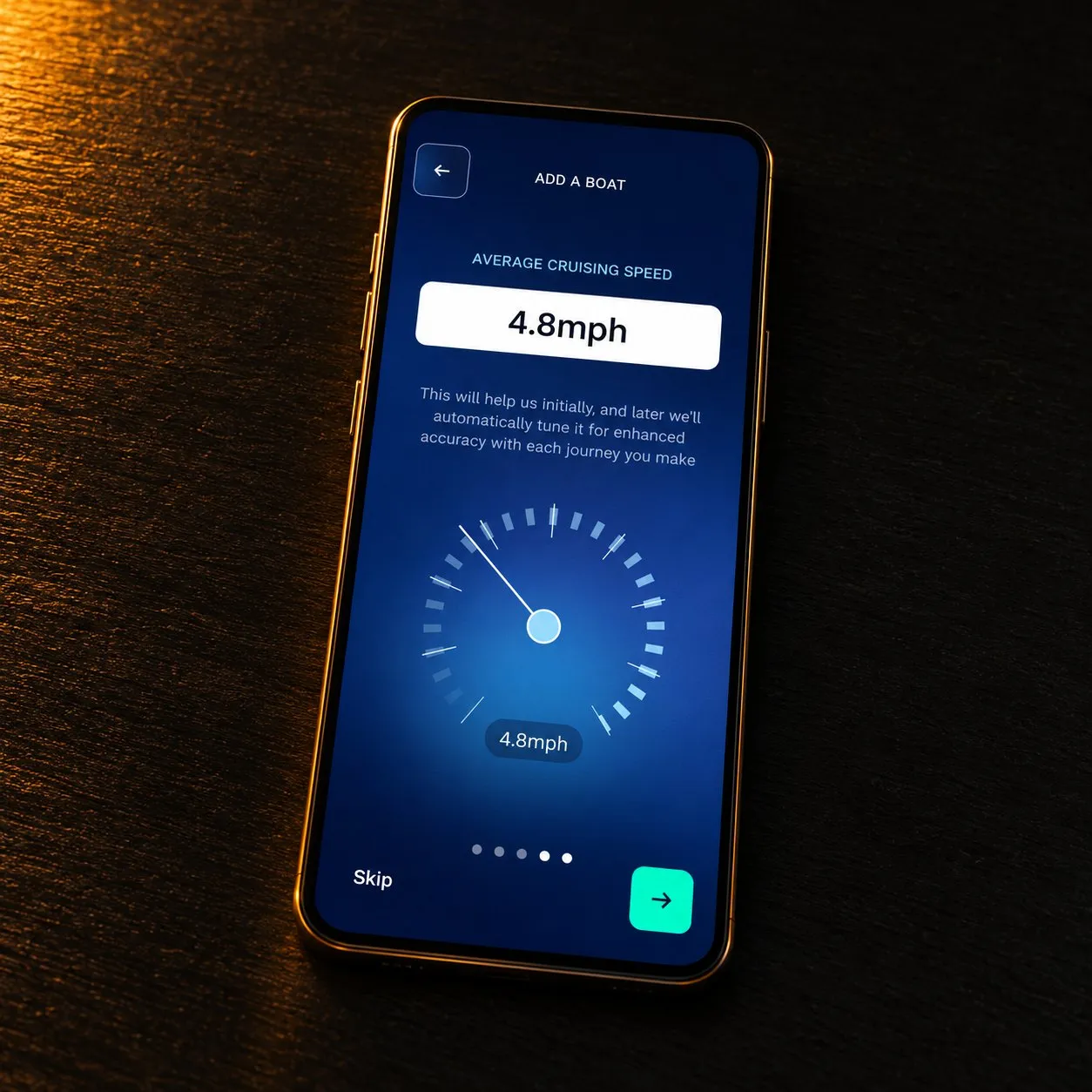
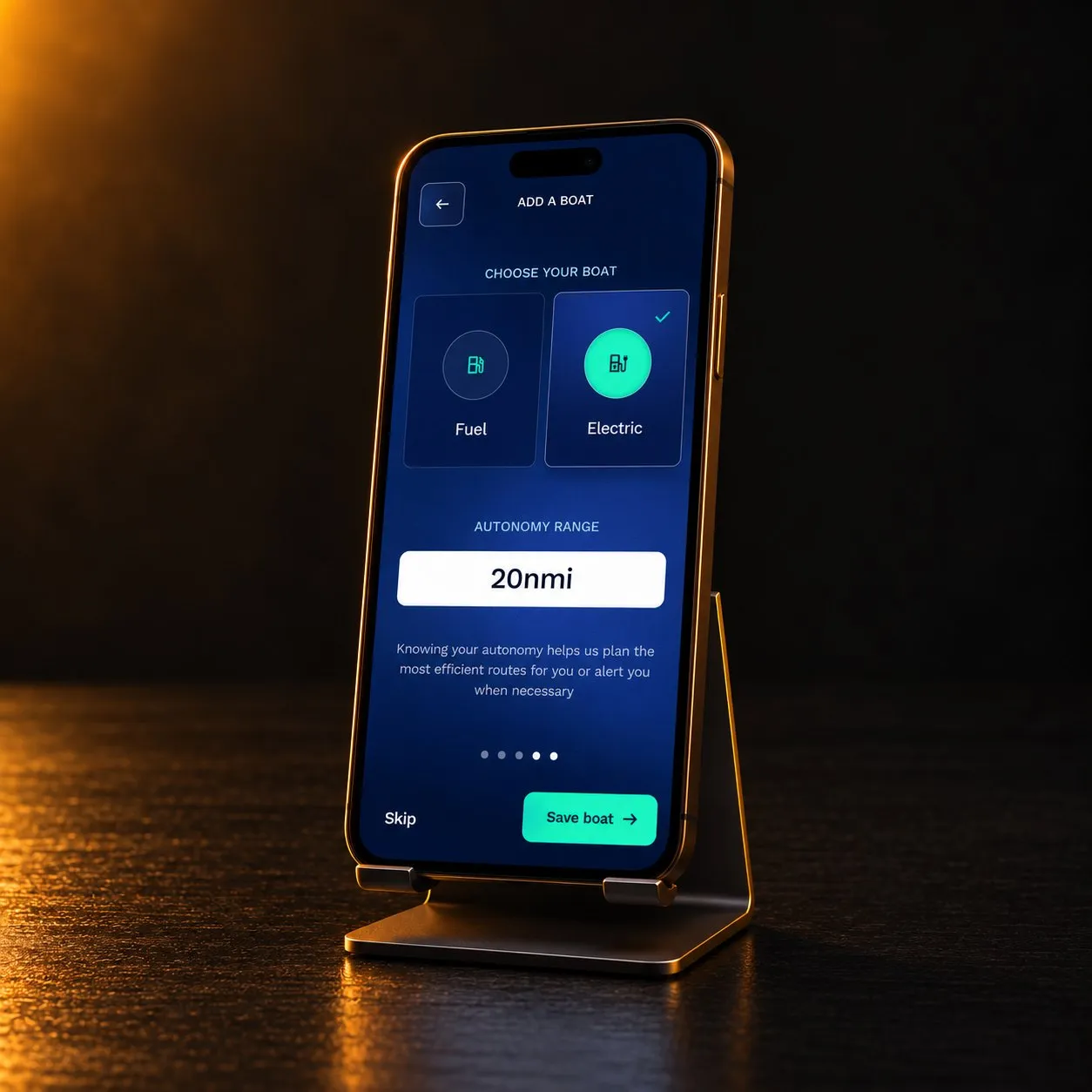
A device that takes the place of the steering wheel on a recreational boat and steers it from a phone. The owner pairs it, sets up the boat, draws a route on a map and the boat follows it.
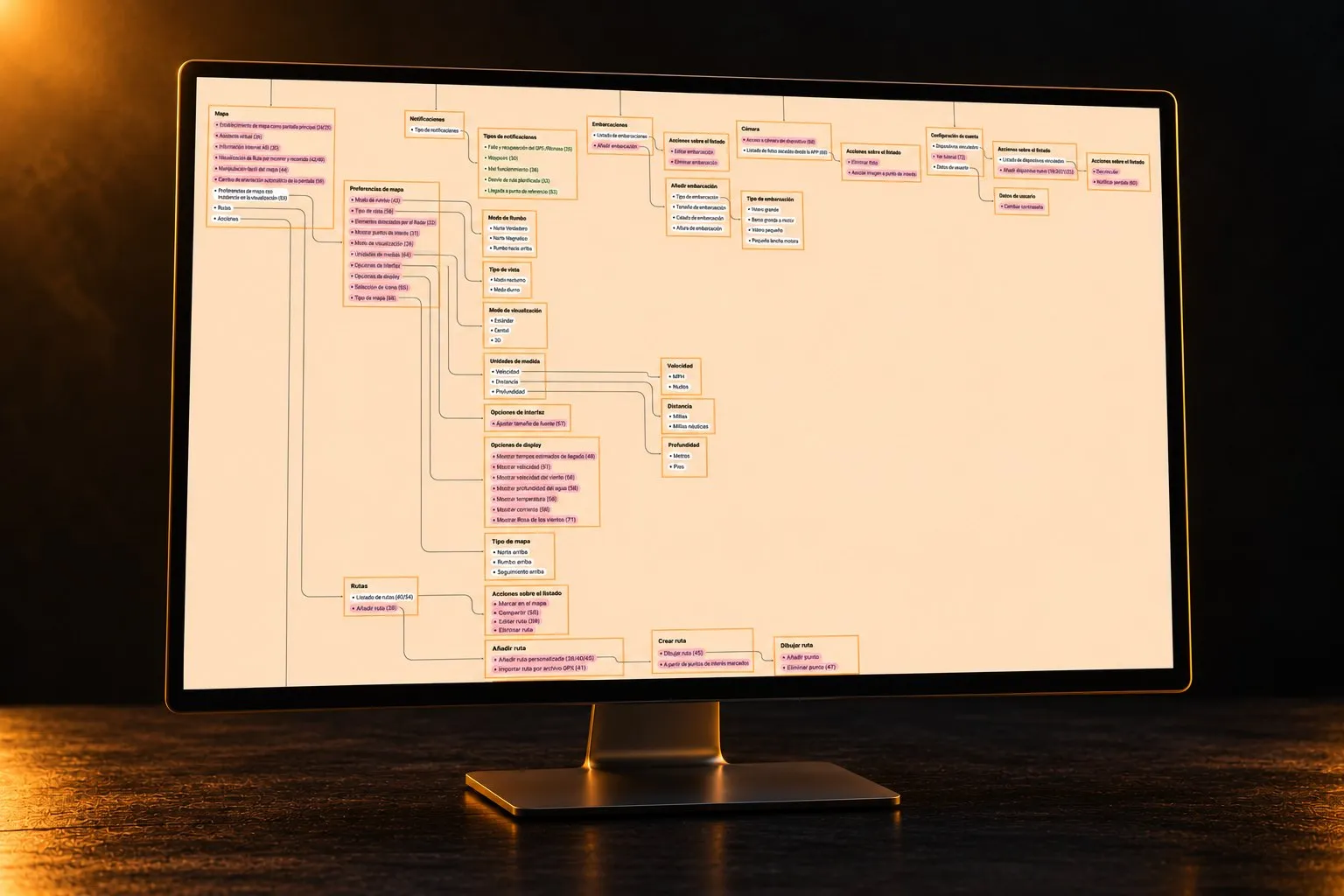
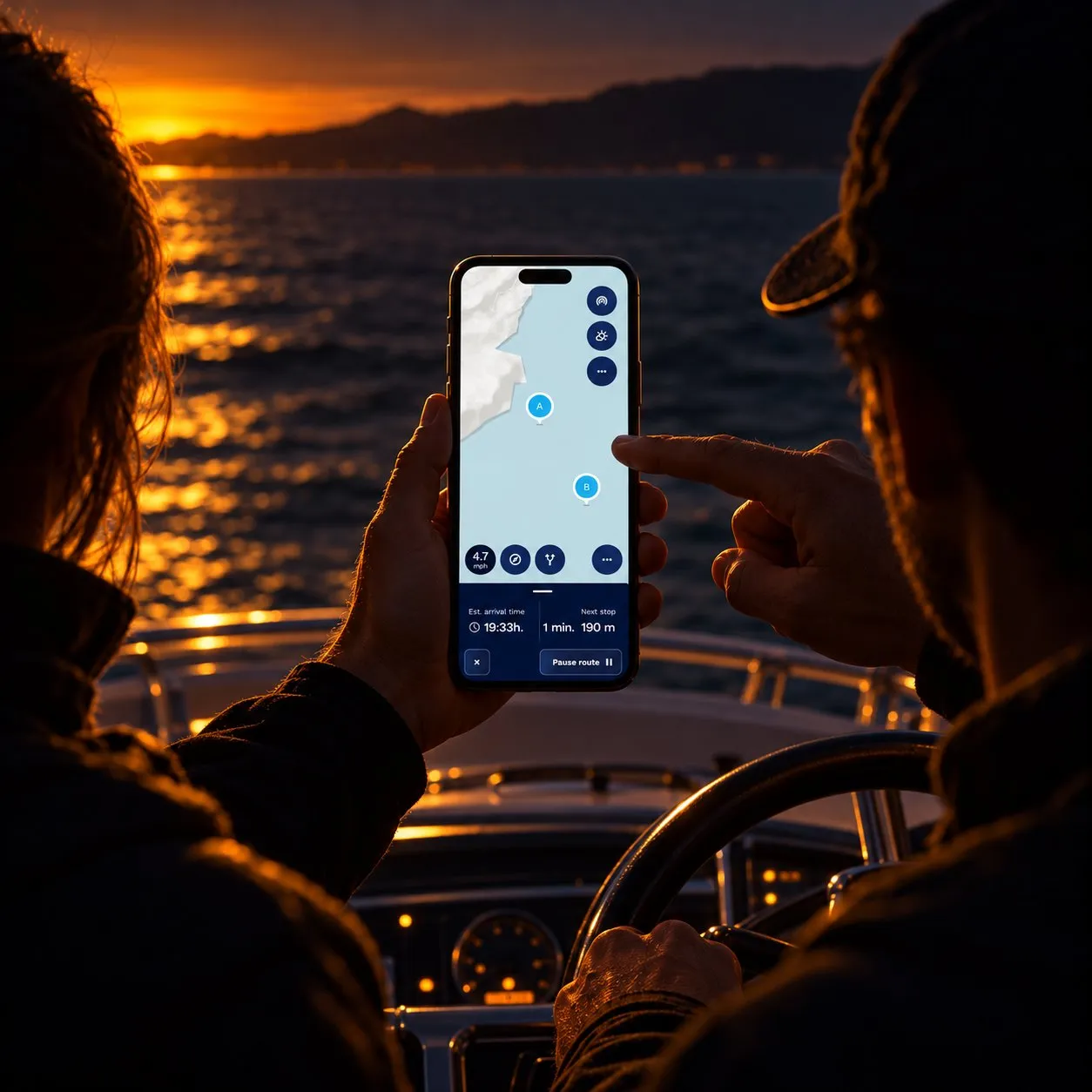
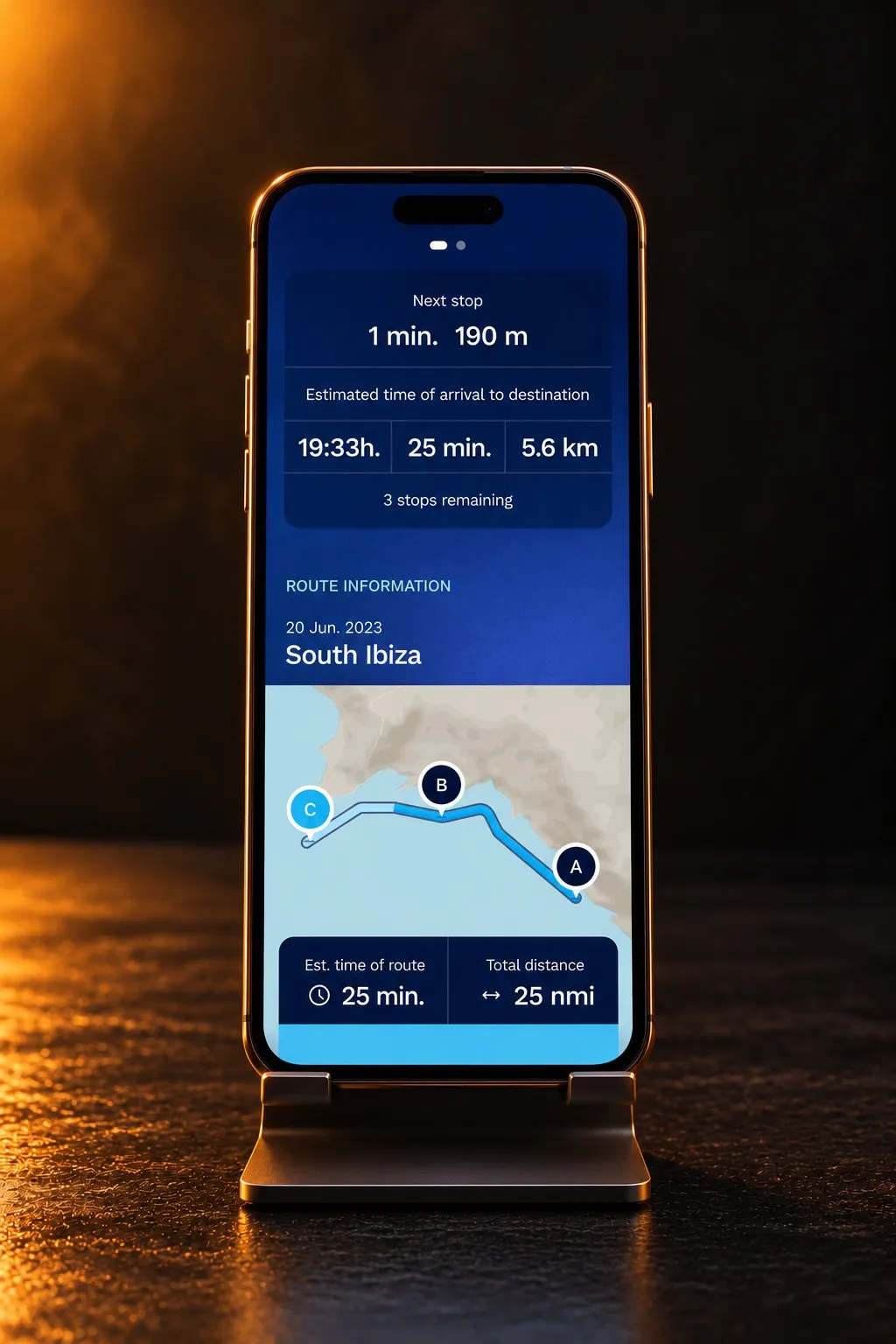
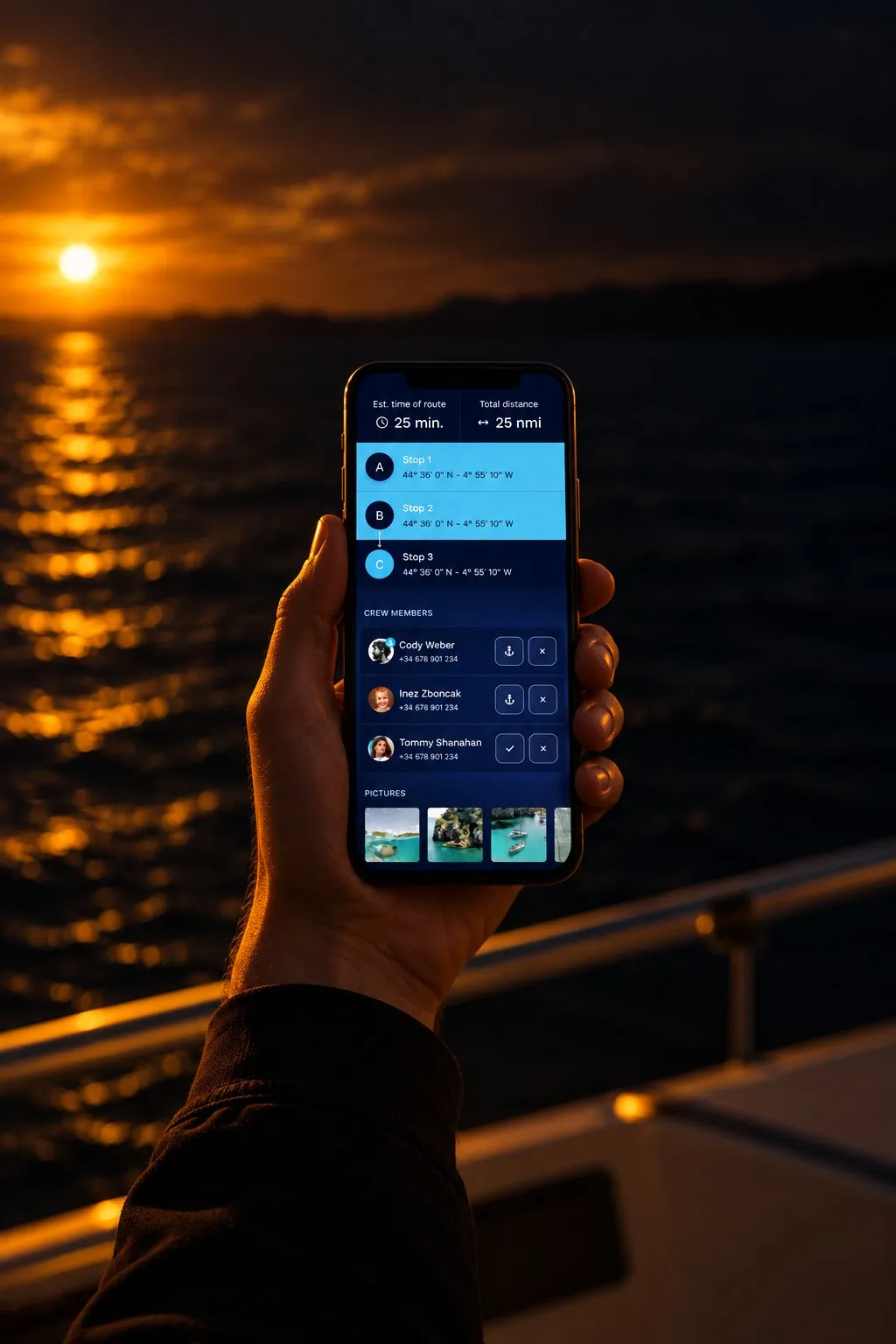
The map is the centre of the app. Around it sit routes, notifications, boats, the camera and the account, and two modes of use: exploring and navigating.
I worked with a design partner, through an agency that handled the relationship with the client. Everything before the visual design was mine: turning the idea into a product, organising its functions, defining the flows and building the wireframes. My partner set the visual direction, and I helped him produce screens.
The challenge
The app had to work with a physical device that was still being designed by another team. I had no direct line to the end client, and some behaviours of the hardware were not settled. A flow could look finished until new information arrived about what the wheel could do or how it signalled pairing, and the instructions on screen no longer matched.
It also had to work on a phone aboard a moving boat, with spray, in the hands of someone who is steering. And a crew raised a question of its own: sharing a trip and handing over control of the boat are not the same kind of action.
My approach
The work, in order:
- Requirements
- Functional map
- Flows
- Wireframes
- Visual design
And the decisions that shaped it:
Every function carries the number of its requirement
With the hardware changing and the client one step away, I needed to know what each change touched. The functional map ties every function of the app to the client’s numbered requirement, from 1 to 74. When news came about the wheel, the map showed which screens depended on it. The cheaper option was a plain sitemap, which would have told us where things were but not why they were there.
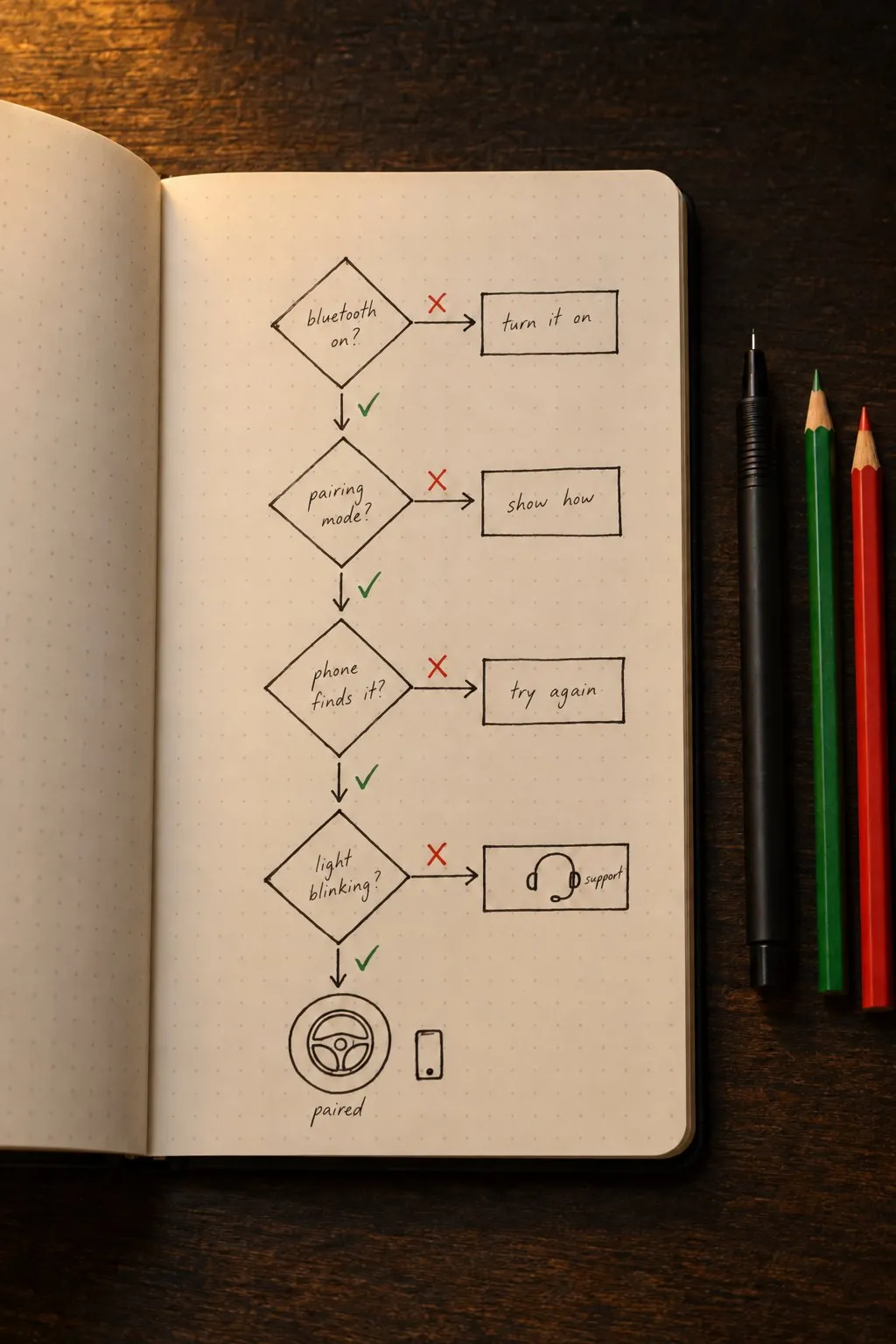
Pairing is designed from its failures
The expected path is short: bring the phone close to the wheel and the app moves on by itself. What needed designing was everything else. Bluetooth off, the device not in pairing mode, the phone not finding it, the light not blinking: each one has its instruction and a way out, down to technical support. Phone permissions are asked for when a function needs them, not on opening the app, with a note on what stops working if they are refused.
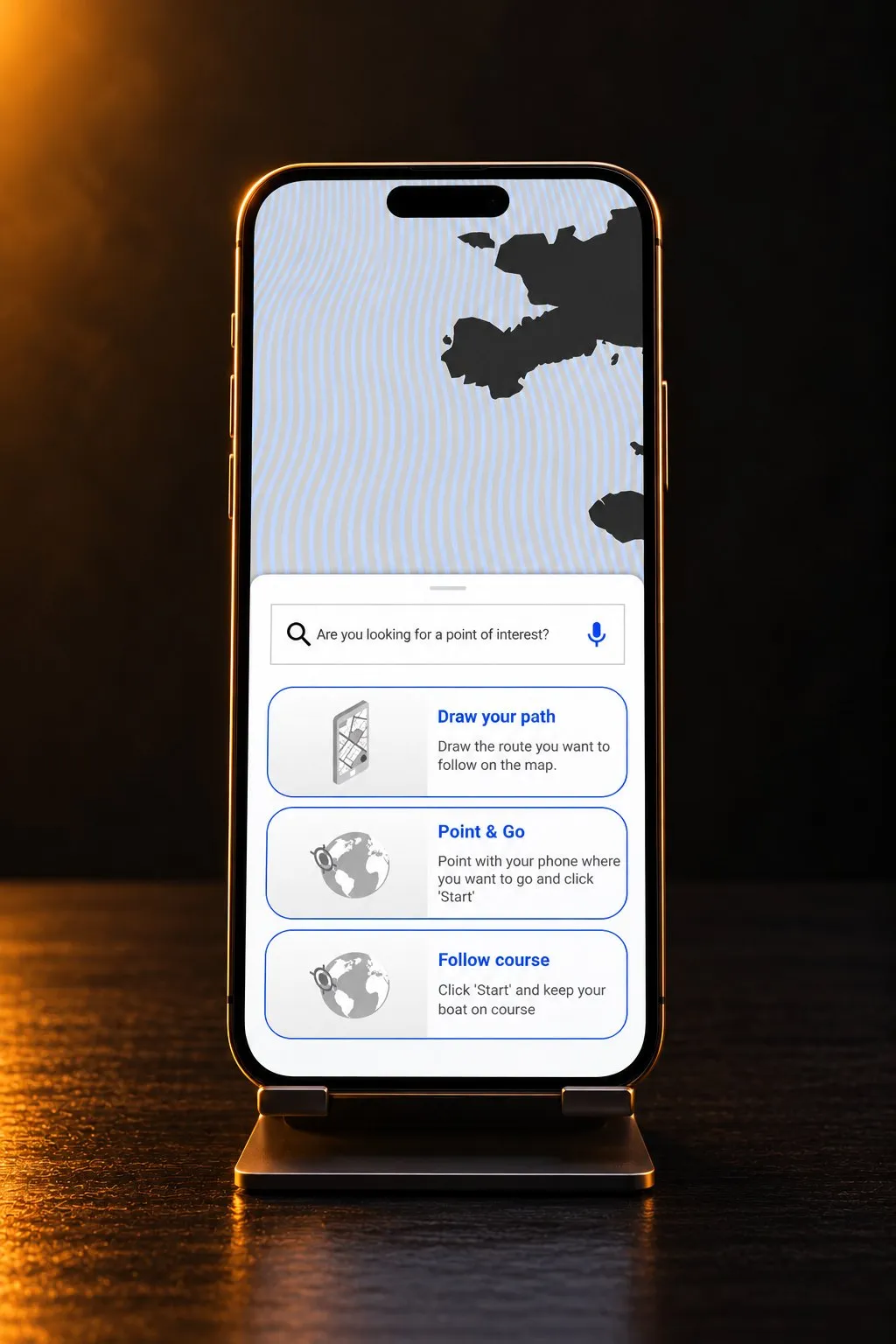
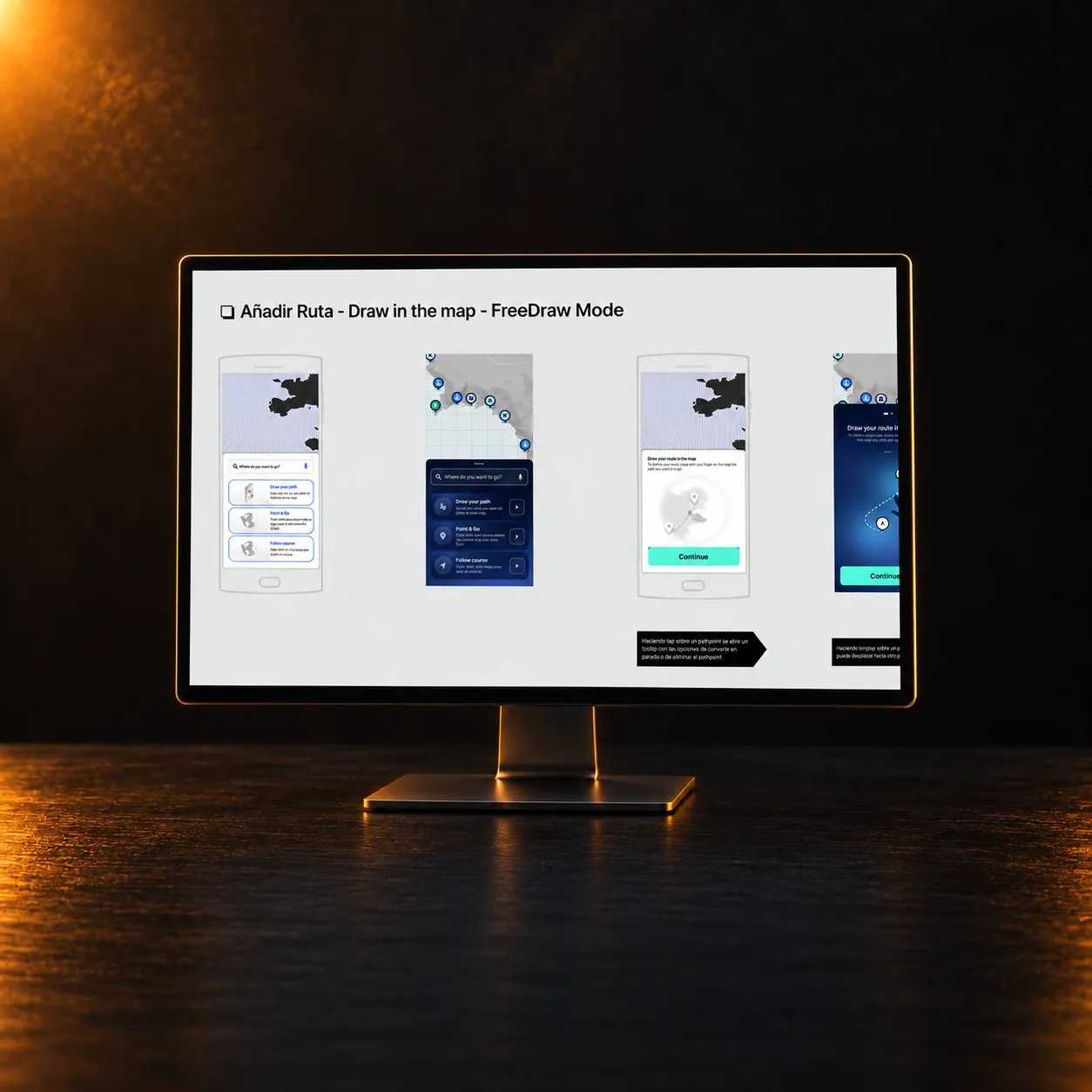
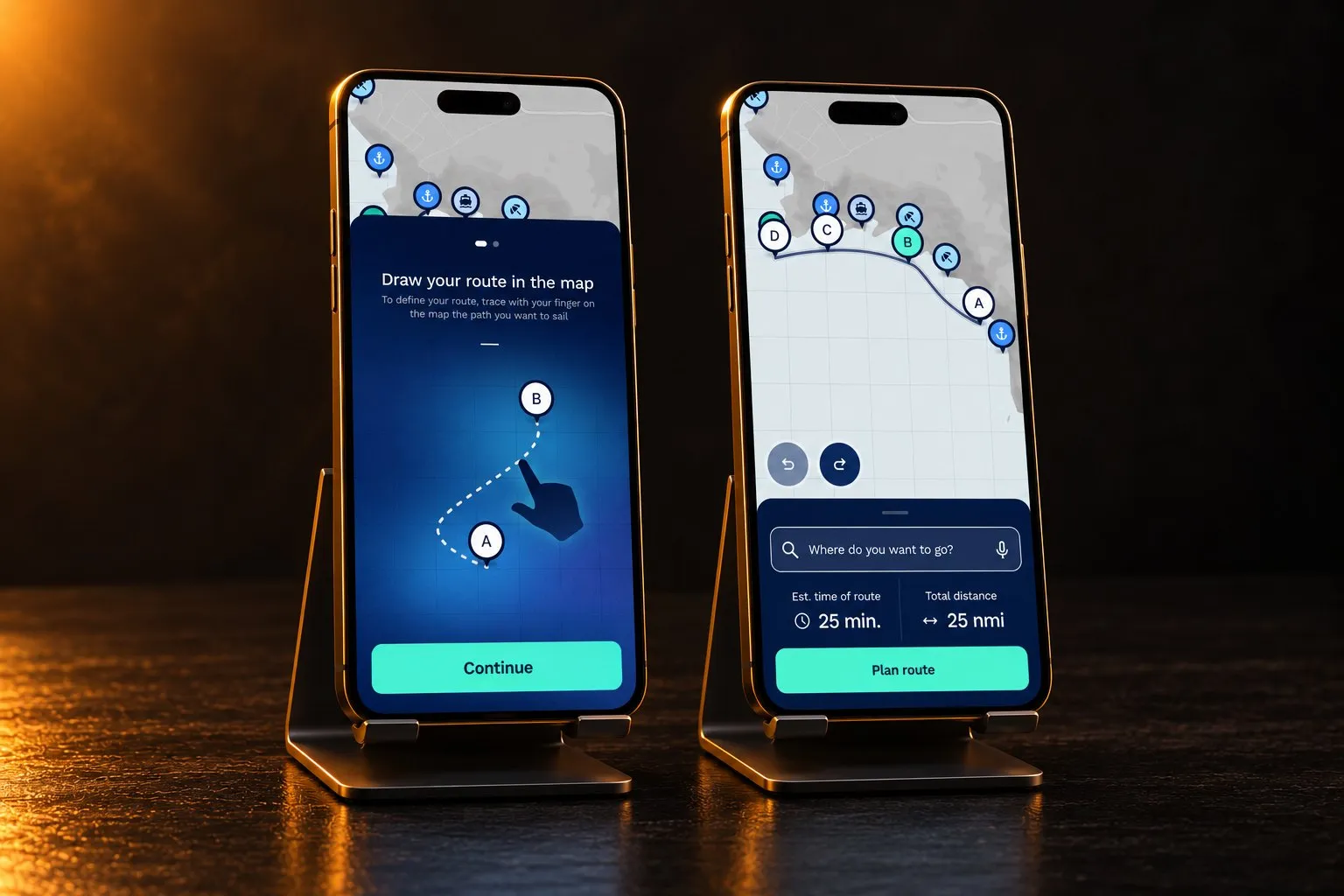
Three ways to make a route, one way to edit it
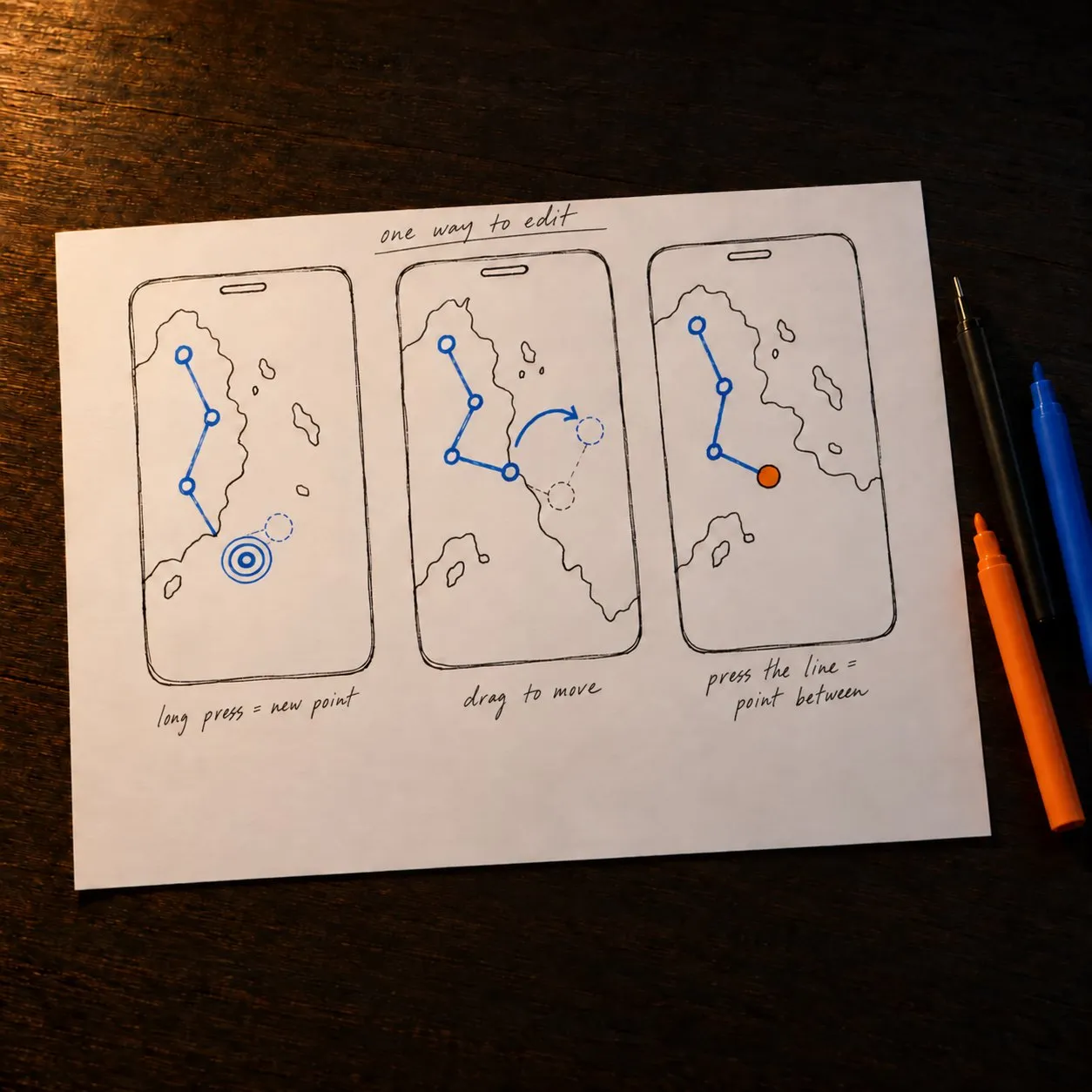
A route can be imported from a file, built point by point or drawn freehand on the map. It took several proposals to make the three live together. What they share is the editing: a long press adds a point, dragging moves it, and pressing the line between two points inserts another. A point can also be typed as coordinates or picked from a search of places of interest.
Only the captain can hand over the wheel
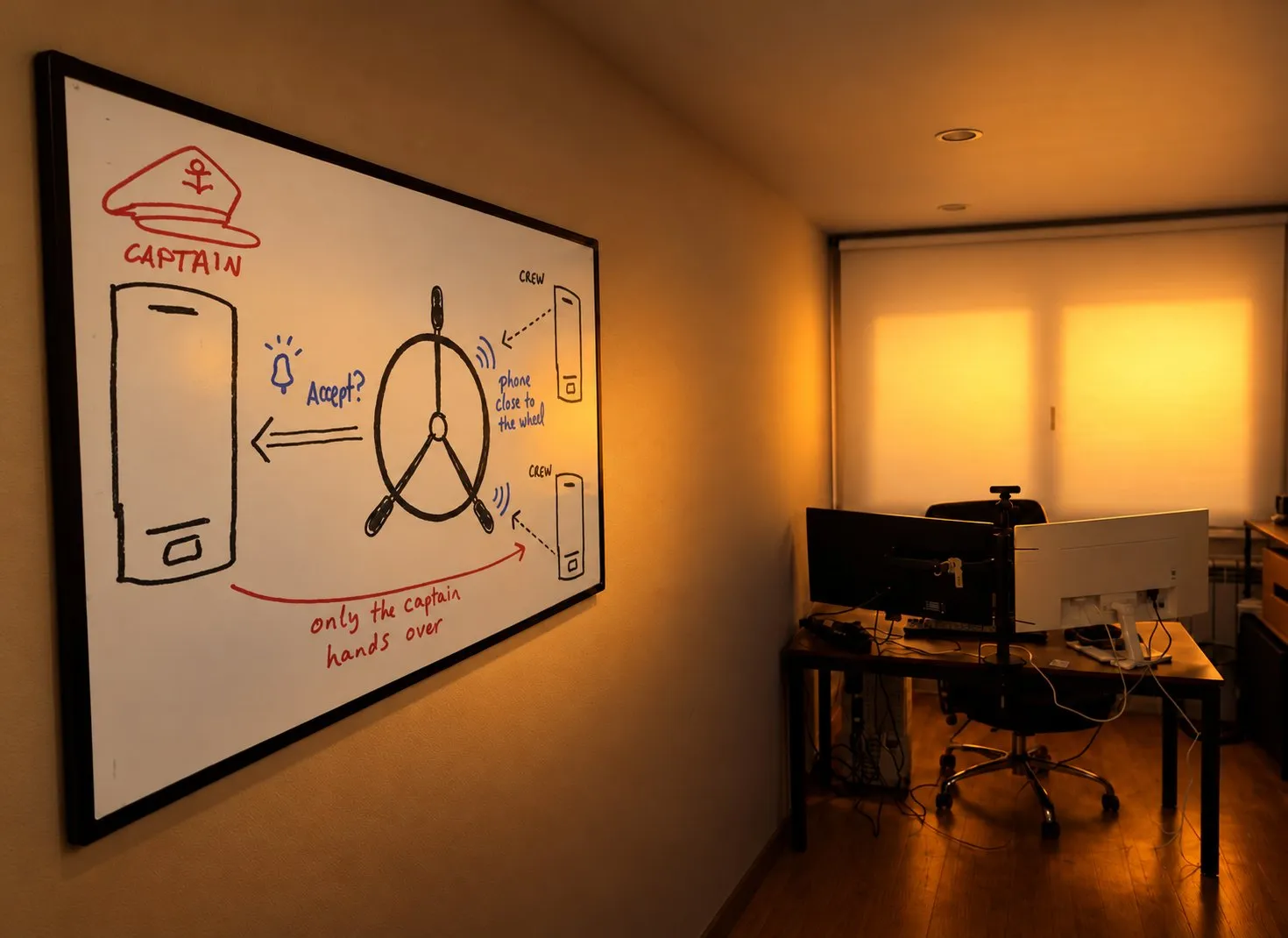
The app is also for people who rent a boat and travel in a group. Joining a boat as crew is light: bring your phone close to the wheel and the owner accepts you from a notification. Transferring control is not: only the captain can do it. Knowing who else is on board before leaving is a safety measure too, for the day the captain’s phone goes overboard.
The results
- A functional map that traces more than seventy requirements
- Five flows and more than 800 wireframe screens
- Nine cases for a shared device
- A product that reached the market
- The released app navigates in the three ways the wireframes defined
What I learned
The app of a physical device is only as settled as the device. One pairing signal or one limit of the wheel can change several screens, so the behaviour of the hardware has to be written down before a flow is closed. Tracing requirements to functions and functions to flows was what let us reopen things without starting again.
What I cannot claim is how much of the released app is ours screen by screen: I have not compared them. Nor did we test with sailors on the water. That is the part I would insist on today.
Contact me
If you’ve taken a liking to me and want to get in touch, tell me about the project, the talk or your theories about Area 51. Write to me, or book a call.